
Fix common problems
Diagnose the issues most often reported by staff and learners.
- 1
Nobody receives codes
Check
docker compose logs drffor the emails. If they are printed there, email is not configured (see Domains and email). If sending fails, check the provider key and that the sender domain is verified. - 2
A learner's progress is missing
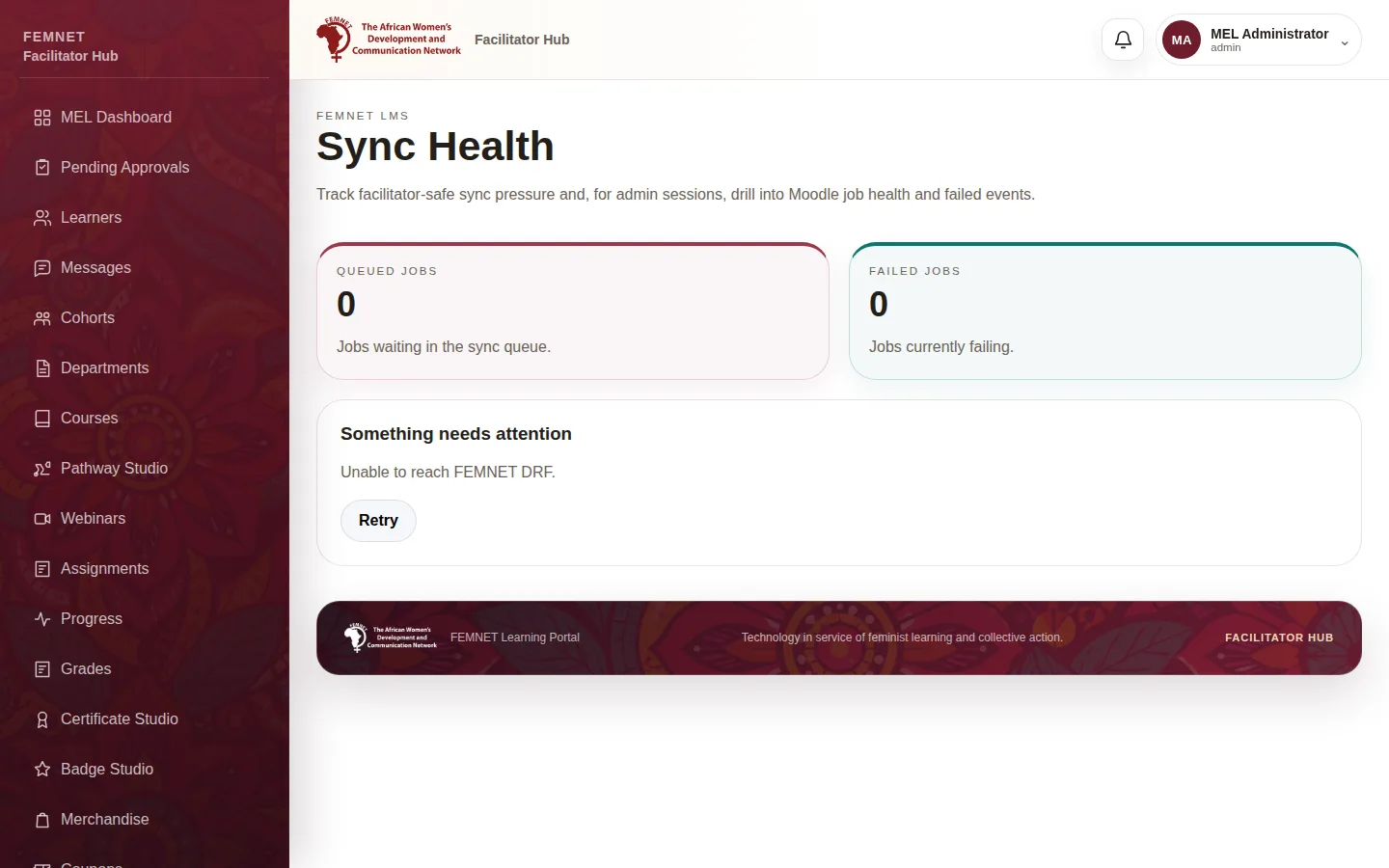
Ask the learner to open Sync in the learner app and sync. Admins can check the in the hub's Settings and Sync Health for failed jobs; use Retry failed jobs there.
- 3
The apps show network errors
Check
/health/. If it fails, checkdocker compose psand thedrflogs. If it works, check CORS settings include the app's domain. - 4
Course pictures are broken
Check the Caddy
/media/route and that the media folder is mounted and readable. - 5
Payments stay "Awaiting payment"
Check the Paystack webhook URL and secret key, and look for webhook errors in the
drflogs.
Step 2: A learner's progress is missing