
Understand the learning portal
What the learner app, facilitator hub and backend each do, and how a learner's journey flows through them.
- 1
The three systems at a glance
The is made of three parts that share one set of data:
The [[learner-app|learner app]] is where learners sign up, study courses, take quizzes and collect certificates. It works on phones and can keep working offline.
The [[facilitator-hub|facilitator hub]] is where staff and facilitators approve learners, build courses, run cohorts, follow progress and manage certificates, badges and the shop.
The [[backend]] is the server that stores everything. Both websites read from and write to it, so a change made in the hub shows up in the learner app.
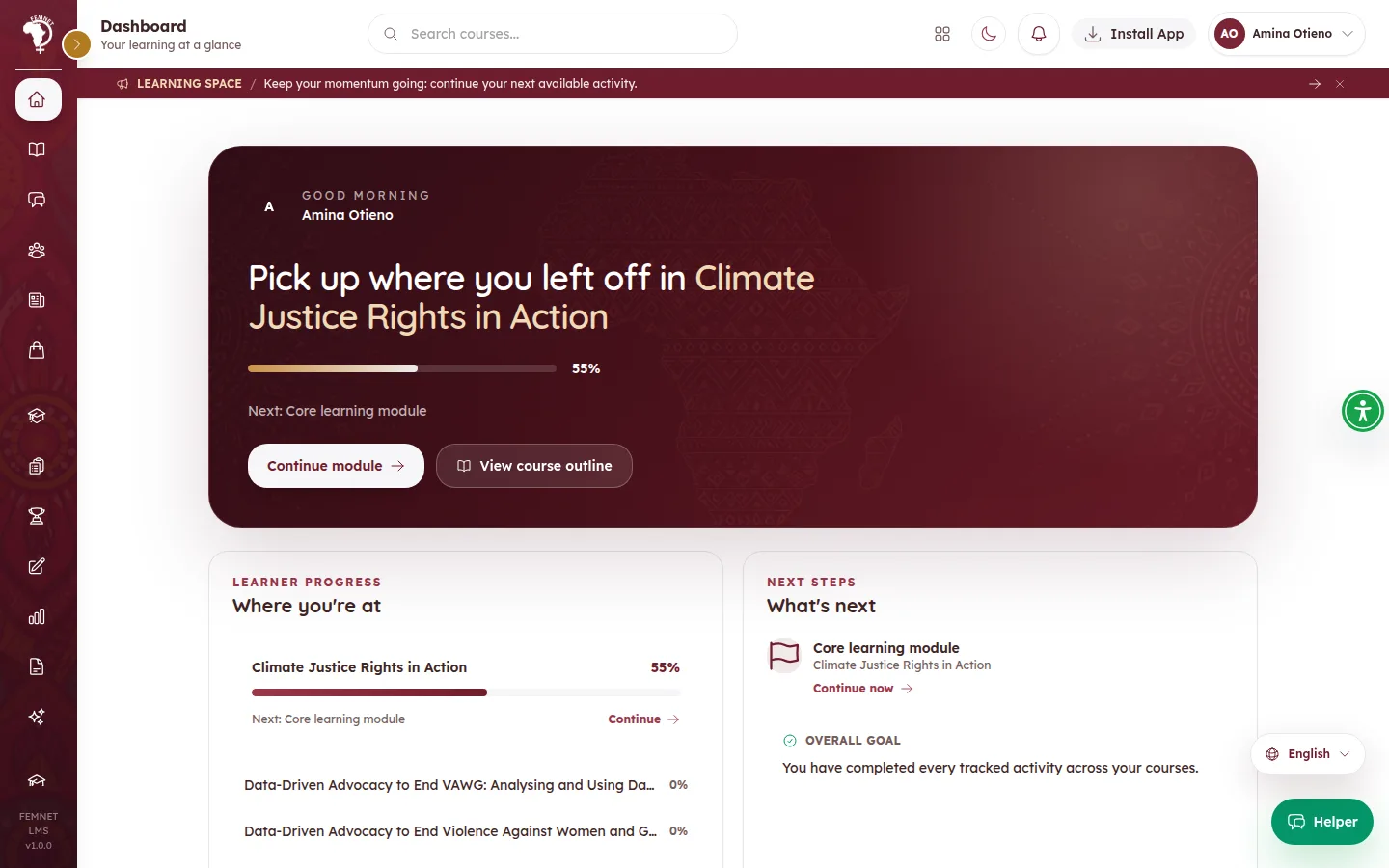
- 2
A learner's journey from sign-up to certificate
1. The learner creates an account in the learner app.
2. A facilitator or admin the account and places the learner in a , unless automatic approval is switched on.
3. The learner opens their assigned and works through each in order, answering and quizzes.
4. Progress is saved on the device and to the backend.
5. When every activity is complete and the assessment average reaches the , the learner app asks for a automatically. Staff then issue it from Certificate Studio.
6. The learner can then join the hall of fame, request a and share .
- 3
What staff, facilitators and IT each look after
FEMNET staff run the platform day to day: approvals, departments, settings, reporting, certificates, badges, alumni and the shop.
Facilitators build courses in , run cohorts and , check in with learners and grade assignments.
The IT team keeps the servers running: deployments, backups, secrets, payments and anything that needs .
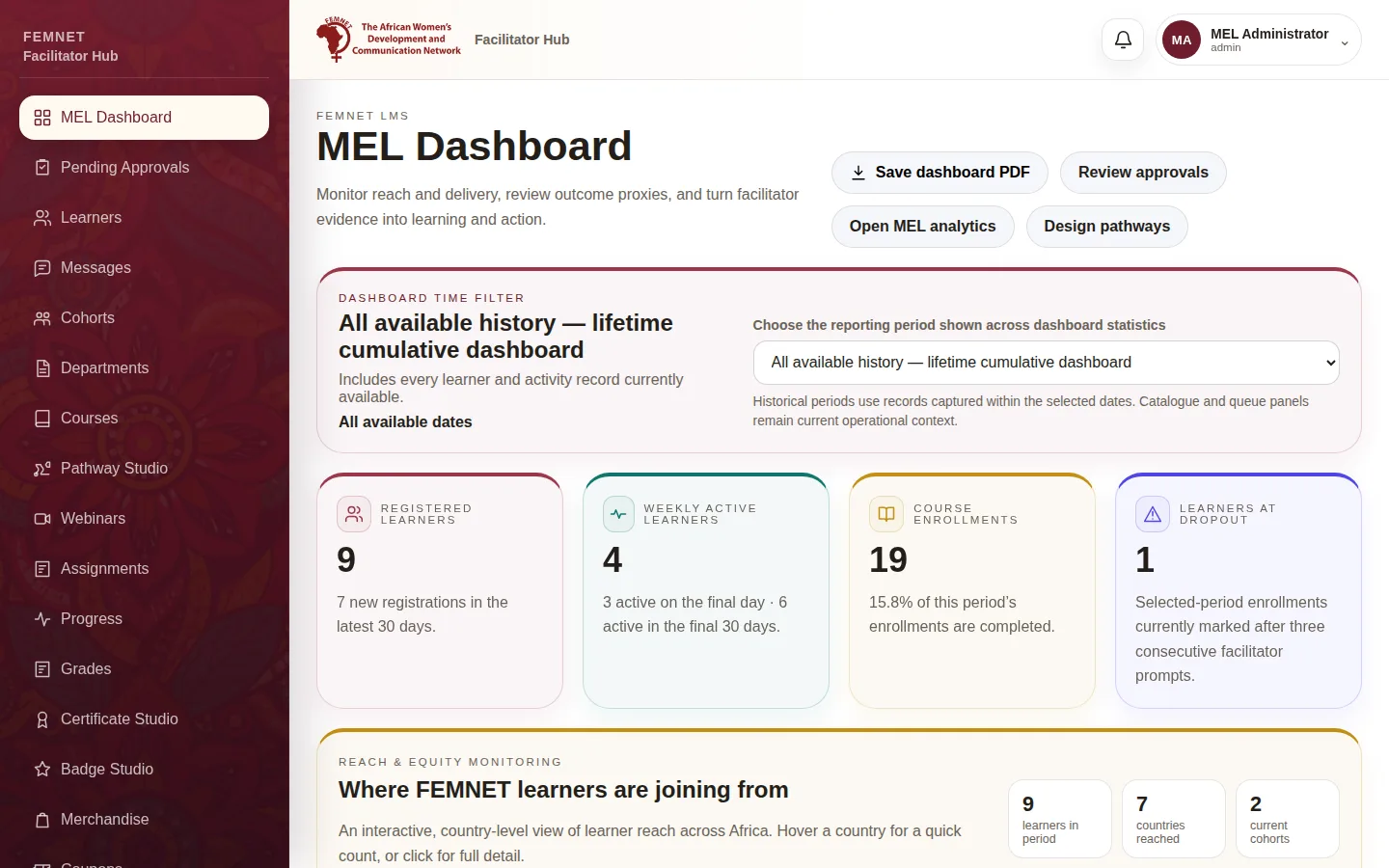
Step 1: The three systems at a glance
What you will see
You know which system to open for a task and who to ask when something is outside your role.