
Grade assignments
Score submitted assignments and leave feedback.
FacilitatorsDone in: Facilitator hub3 steps
- 1
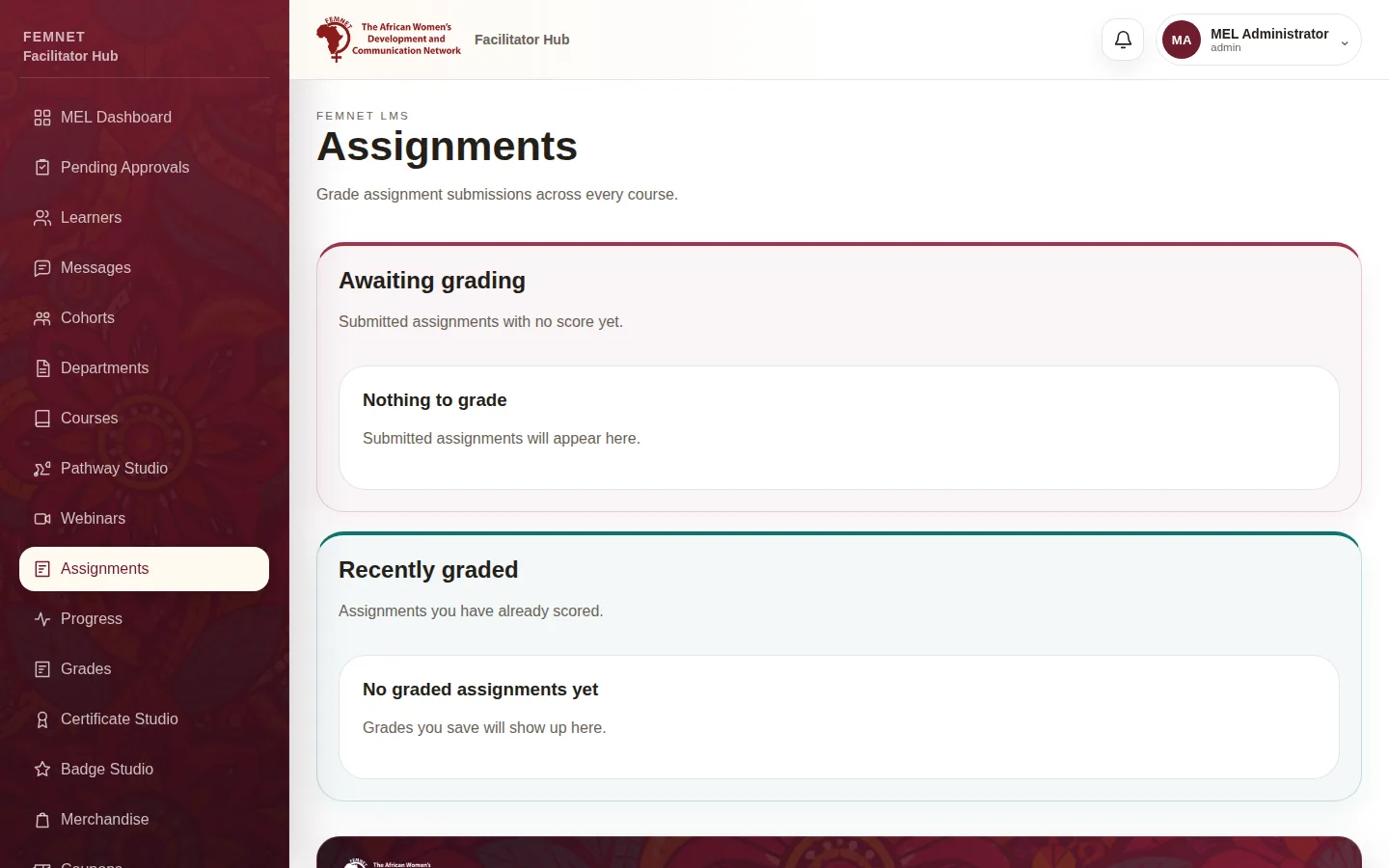
Open Assignments
Select Assignments. Awaiting grading lists submissions without a score.
- 2
Read the submission
Each row shows the learner, assignment, submission date and their answer.
- 3
Score and comment
Enter a Score and Feedback for the learner, then select Save grade. The row moves to Recently graded and the learner sees the grade.
Step 1: Open Assignments