
Review and publish a course
Run readiness checks, submit for review, publish, and make later changes safely.
- 1
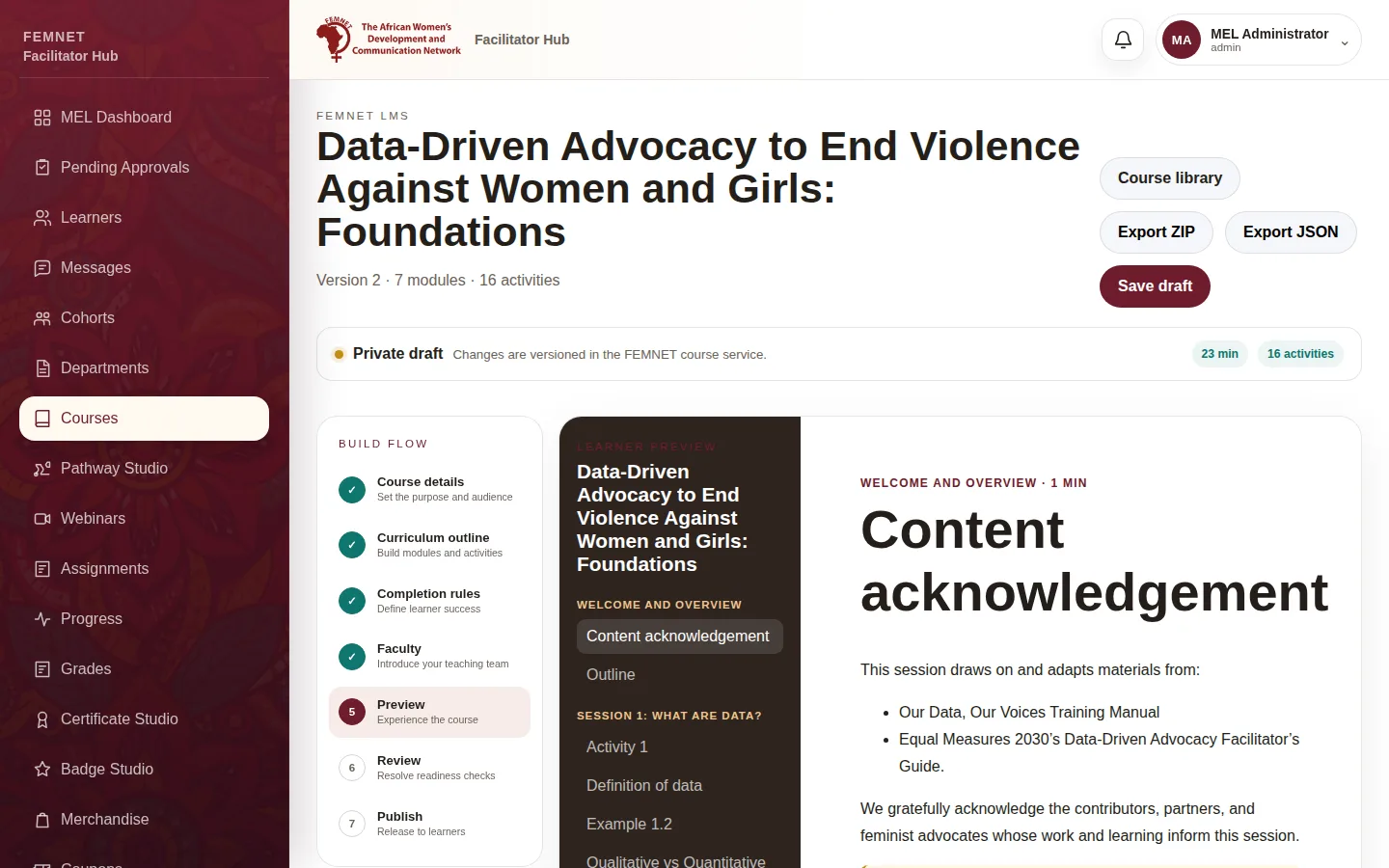
Preview
Open Preview to see the course as learners will. Select Run readiness check.
- 2
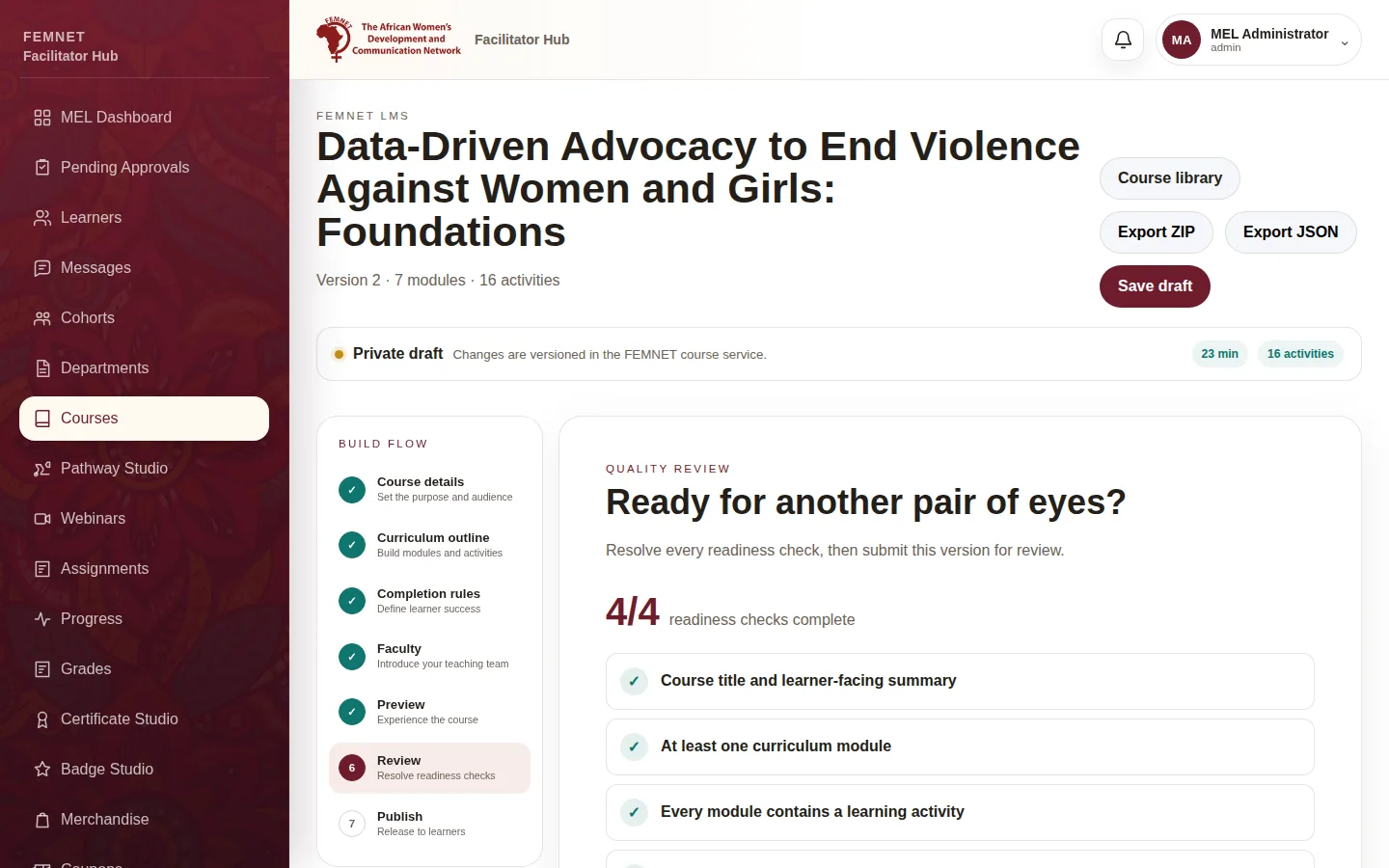
Fix readiness checks
Review lists the : a title and summary, at least one module, an activity in every module, and ready packages and assessments. Fix anything marked !, then select Submit for review.
- 3
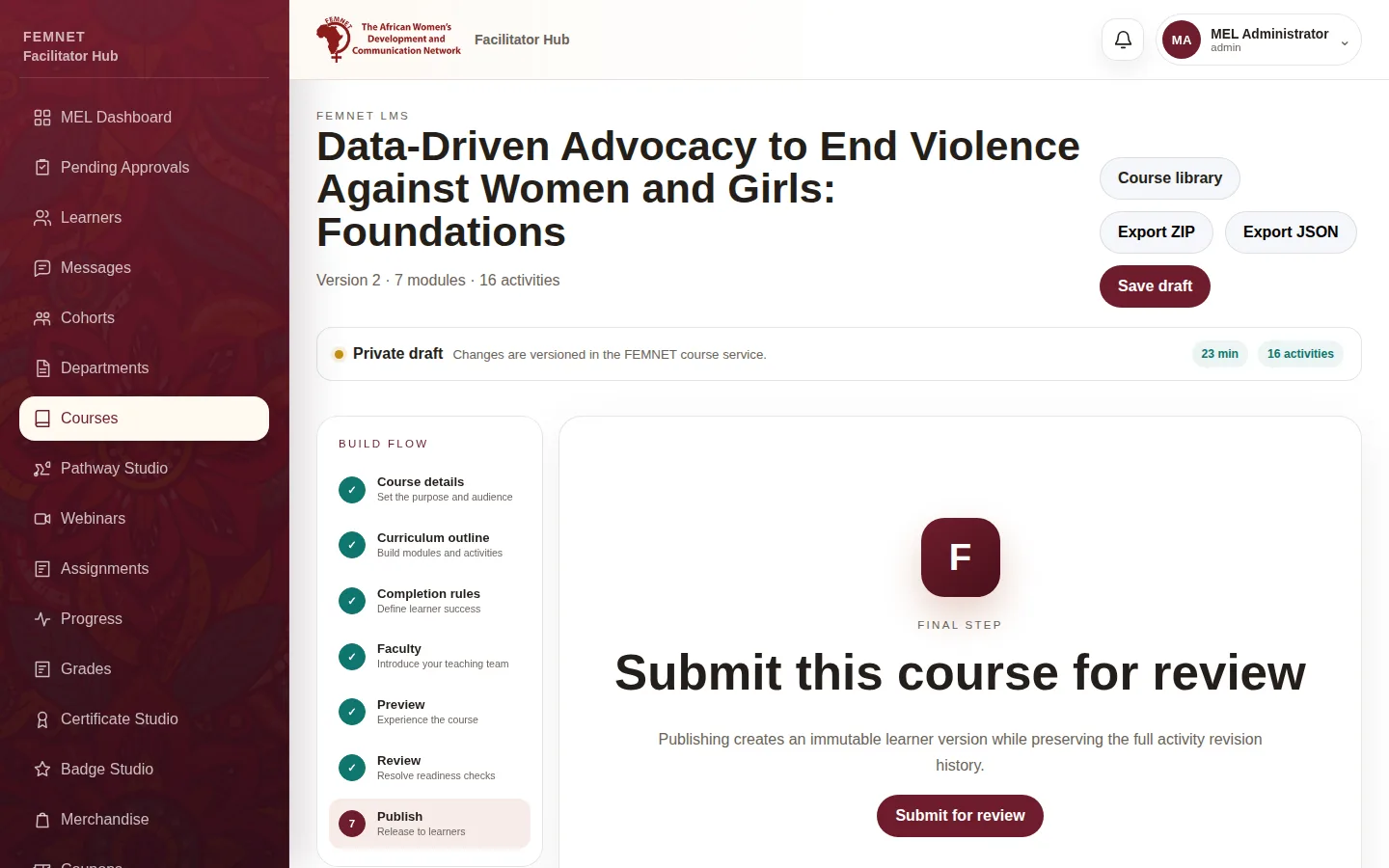
Publish
On Publish, a reviewer selects Publish course. Learners now get this . Return to draft sends it back for more work instead.
- 4
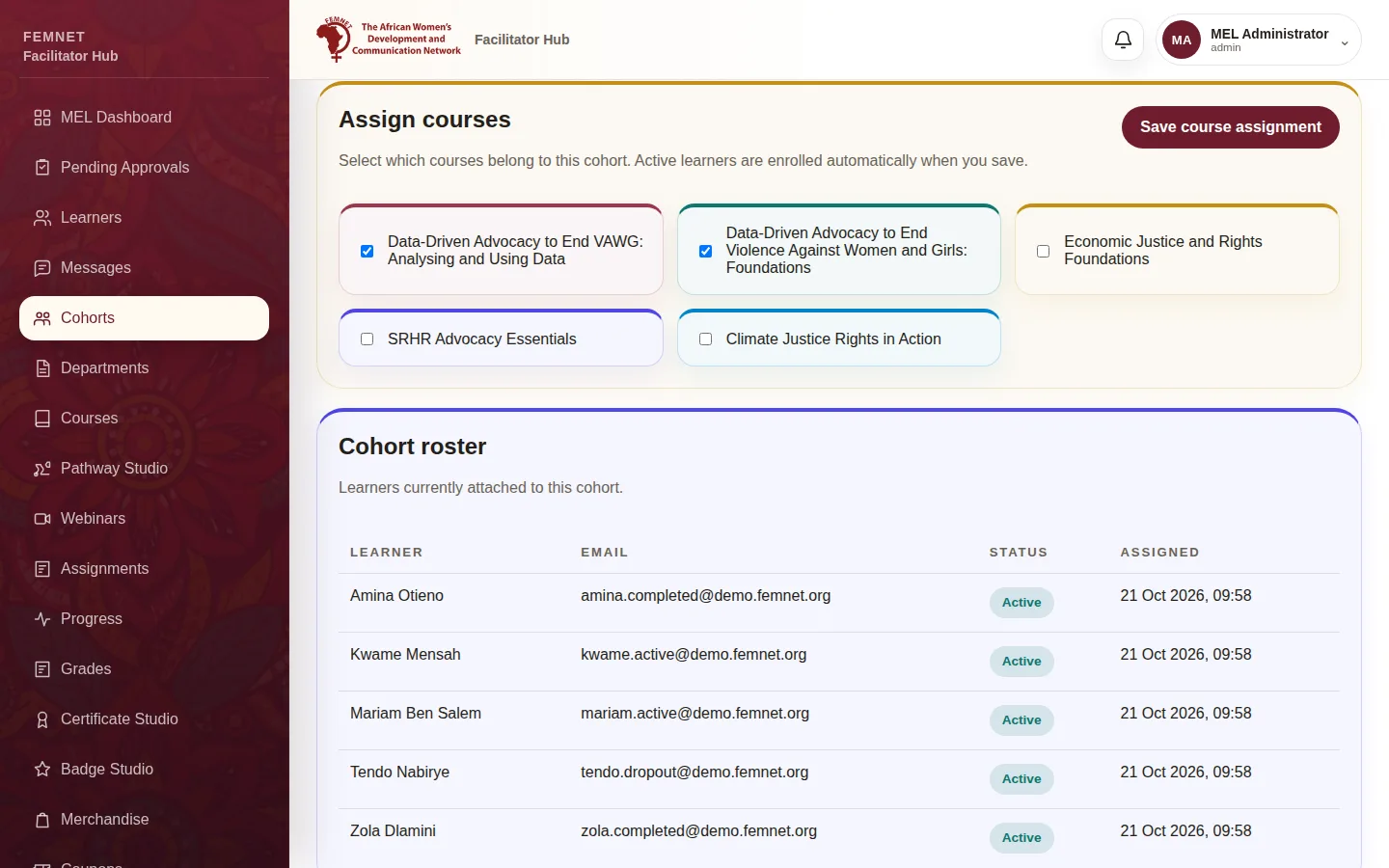
Assign it to learners
Publishing alone does not enrol anyone. Add the course to a cohort (see Create and manage cohorts) or a pathway.
- 5
Change a live course
Published versions cannot be edited. Select Create next version (or Start new draft to edit), make changes and publish again. Learners keep the old version until the new one is published.
Step 1: Preview