
Joining the alumni network
How eligible learners join the alumni hall of fame.
Supporting learnersDone in: Learner app4 steps
- 1
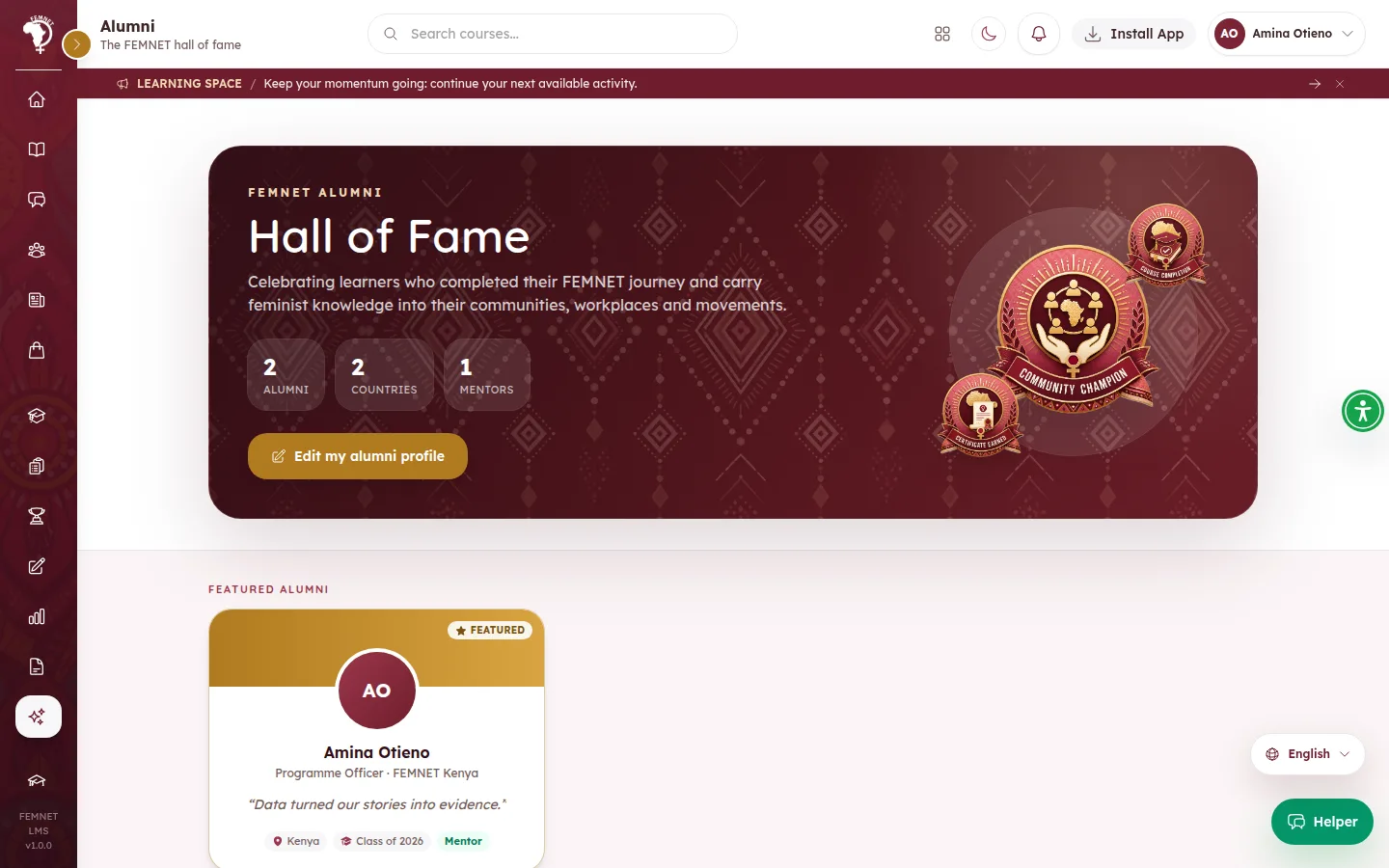
Open the hall of fame
Learners open Alumni from the menu or the header's Quick links.
- 2
Accept the invitation
When their cohort is completed, learners who finished get an by email. Confirm I want to join opens the learning portal (signing in first if needed). If the email never arrives, the same invitation appears when they sign in. Not now asks again next time; No thanks declines.
- 3
Complete the profile
After joining, or by selecting Register as alumni on the Alumni page, they add their current role, organisation, country, a line for the hall of fame, a short bio and achievements, and can choose to mentor others.
- 4
Browse
Everyone can search the by name, role or course and filter by country. Staff can feature or hide profiles.
Step 1: Open the hall of fame