
Introduce the teaching team
Add instructor and facilitator profiles learners see on the course page.
FacilitatorsDone in: Facilitator hub4 steps
- 1
Open the Faculty step
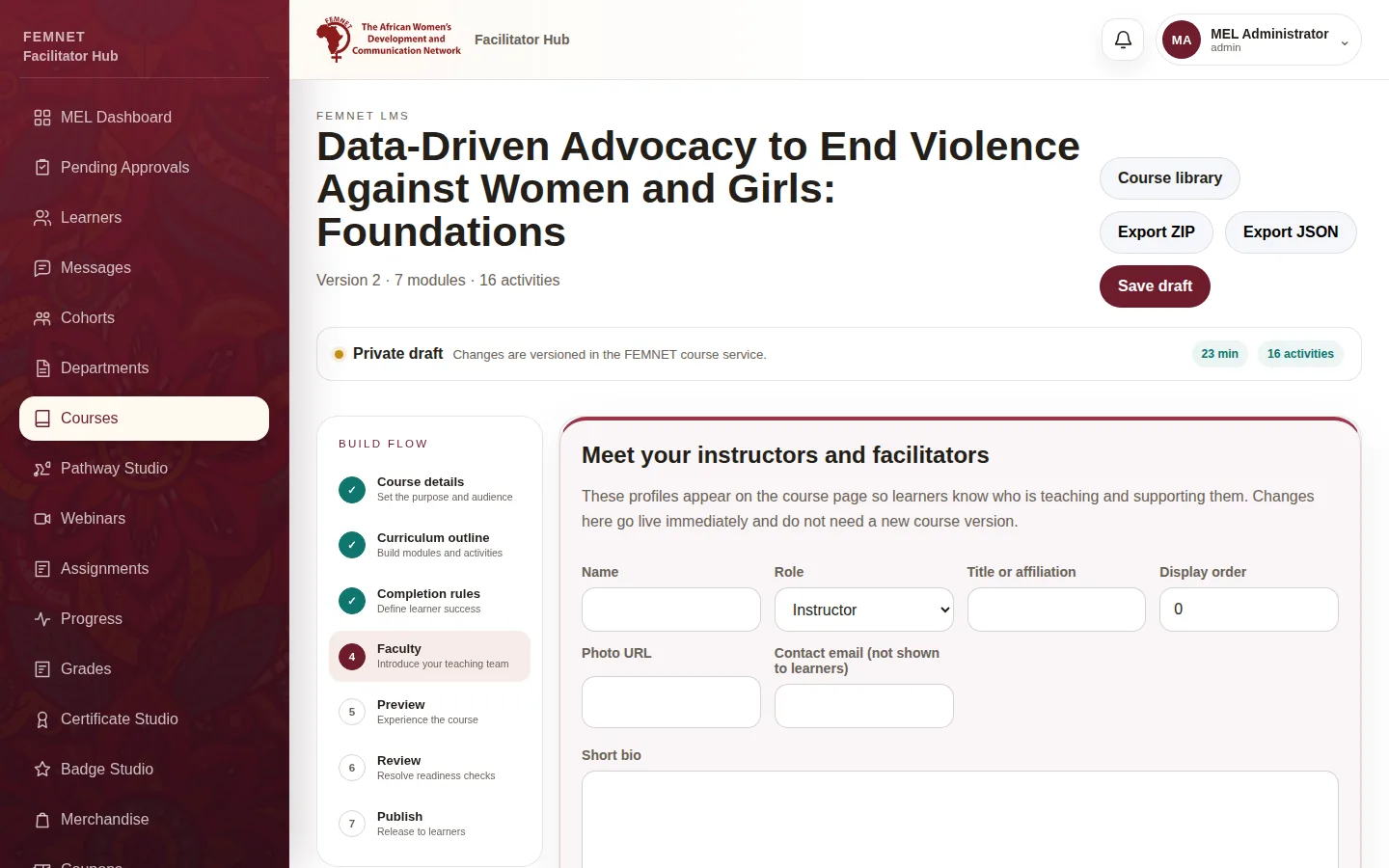
In Course Studio, select Faculty along the top.
- 2
Add a profile
Enter a Name, choose Instructor or Facilitator, and add a Title or affiliation, Short bio and Photo URL. The Contact email is not shown to learners. Select Add profile.
- 3
Write a welcome message
Fill in Welcome message to learners when adding someone, or select Add welcome on an existing profile. Learners see it at the top of the course page, signed with the person's name and photo. Keep it short and personal: why the course matters and how you will support them.
- 4
Order the team
Use Display order to choose who appears first. Select Remove to take someone off. See .
Step 1: Open the Faculty step