
Tour the facilitator hub
What each part of the hub menu is for and where your daily work lives.
Before you start
- A facilitator account
- 1
Sign in
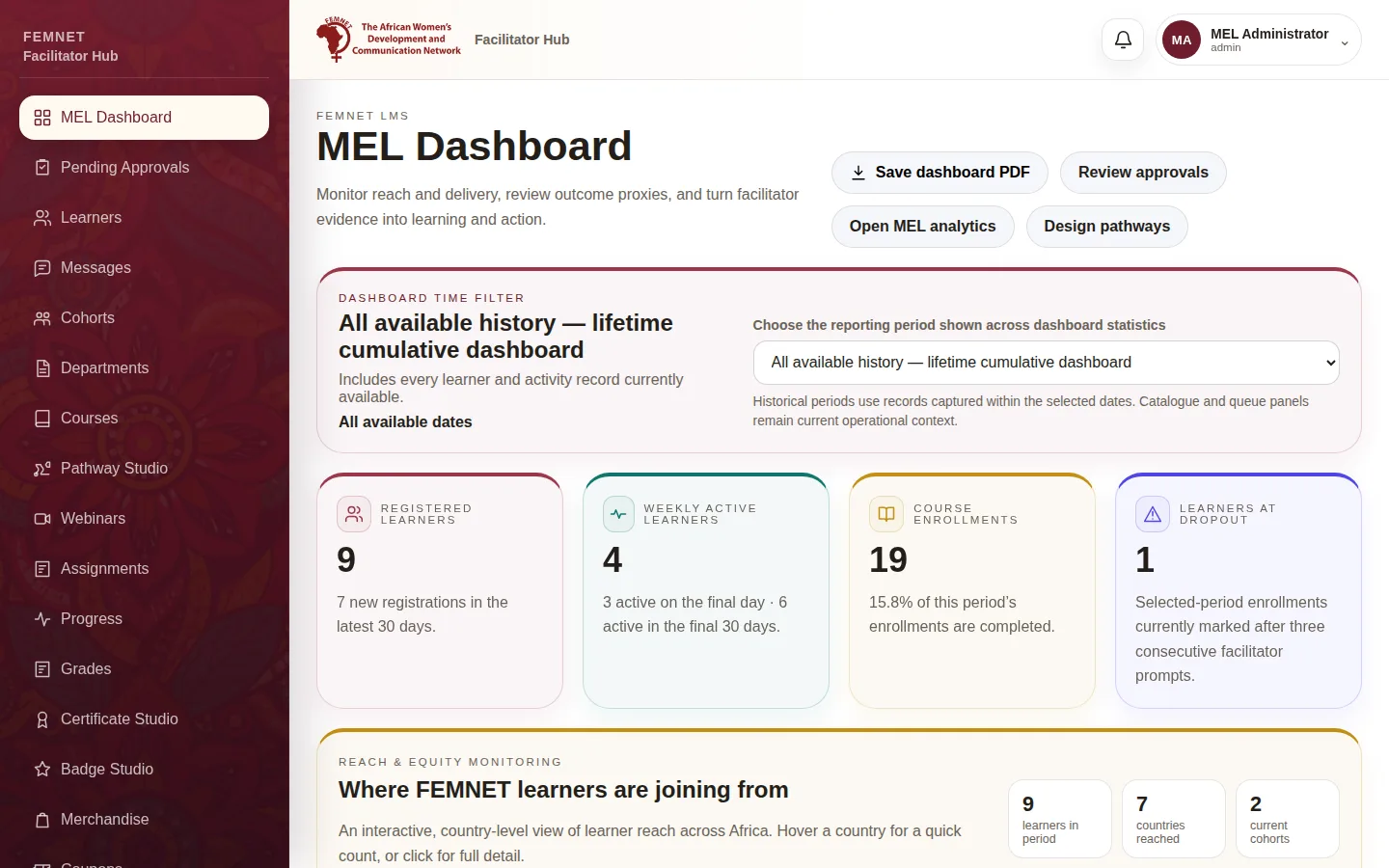
Sign in as described in Sign in to the facilitator hub. On your first visit a short welcome tour introduces the hub; reopen it any time from Take the welcome tour in your profile menu. You start on the MEL Dashboard, which shows pending approvals, your cohorts and published courses.
- 2
People
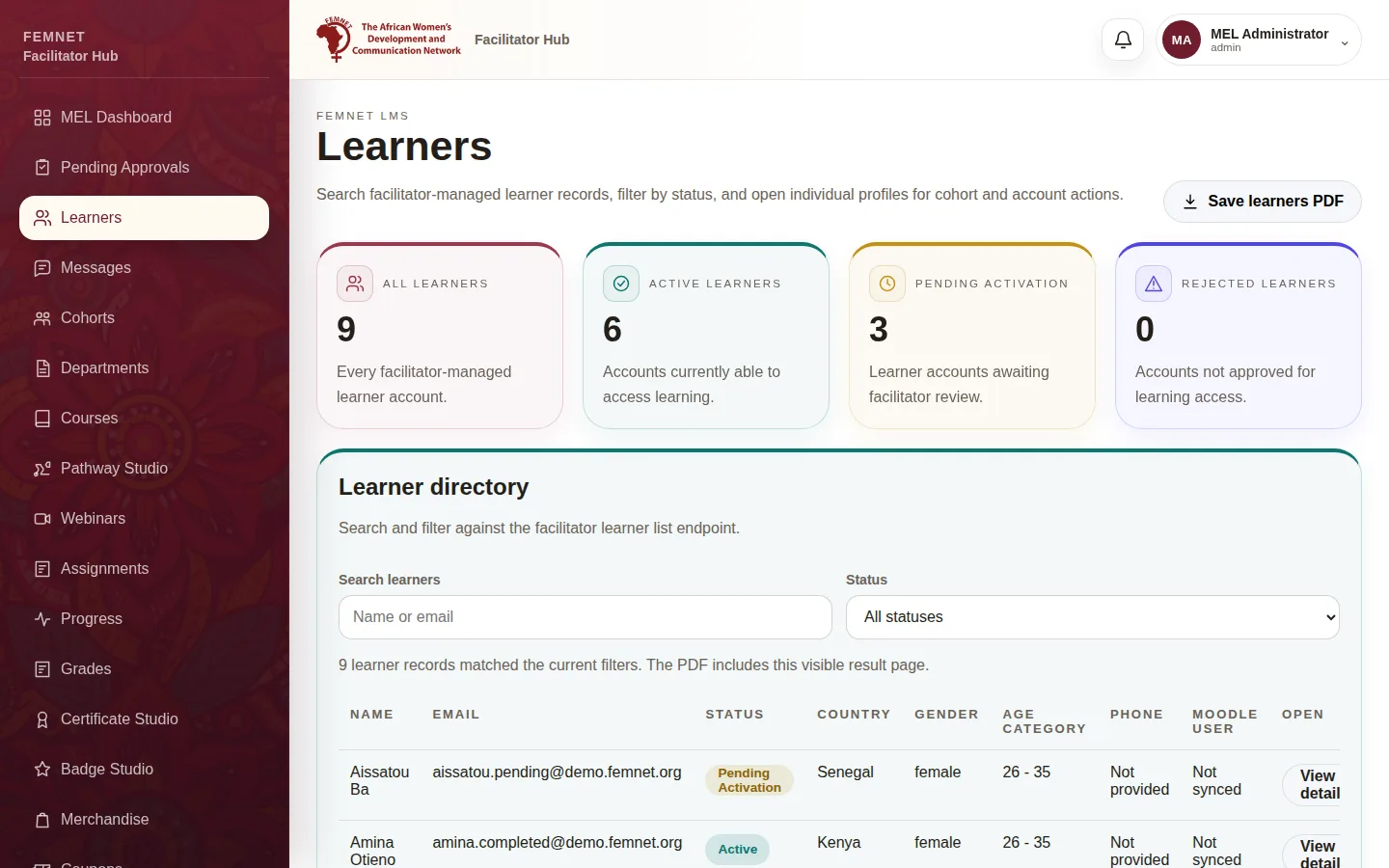
Pending Approvals holds new sign-ups. Learners is the full directory, where you open a learner's record. Messages holds private conversations with learners. Scholarships holds learners' requests for help. Cohorts groups learners together.
- 3
Learning
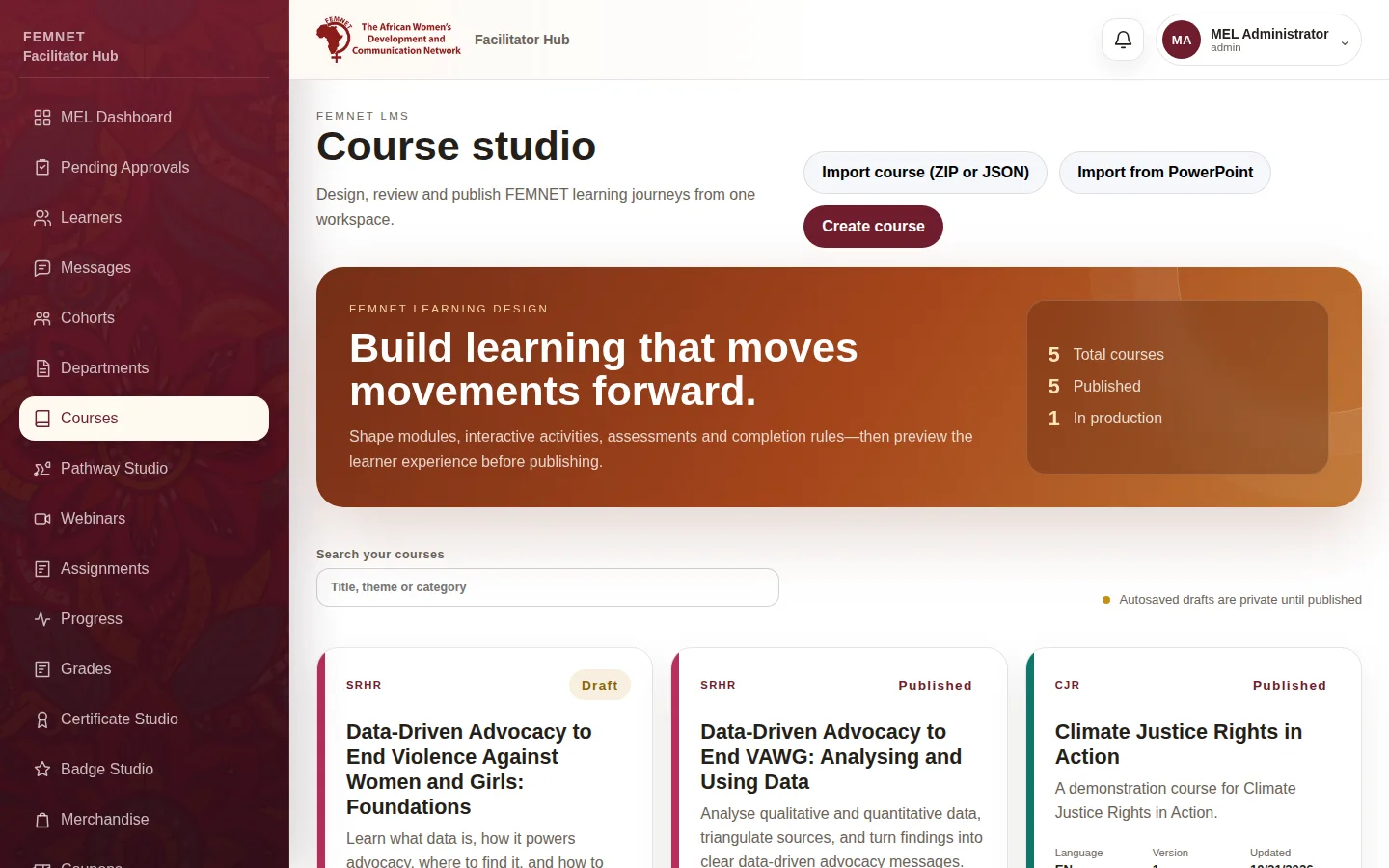
Courses opens , where you build and publish courses. Pathway Studio orders courses into a for a cohort. Webinars schedules cohort videos. Assignments is your grading queue, and Reflections shows what learners say about each module and course.
- 4
Results
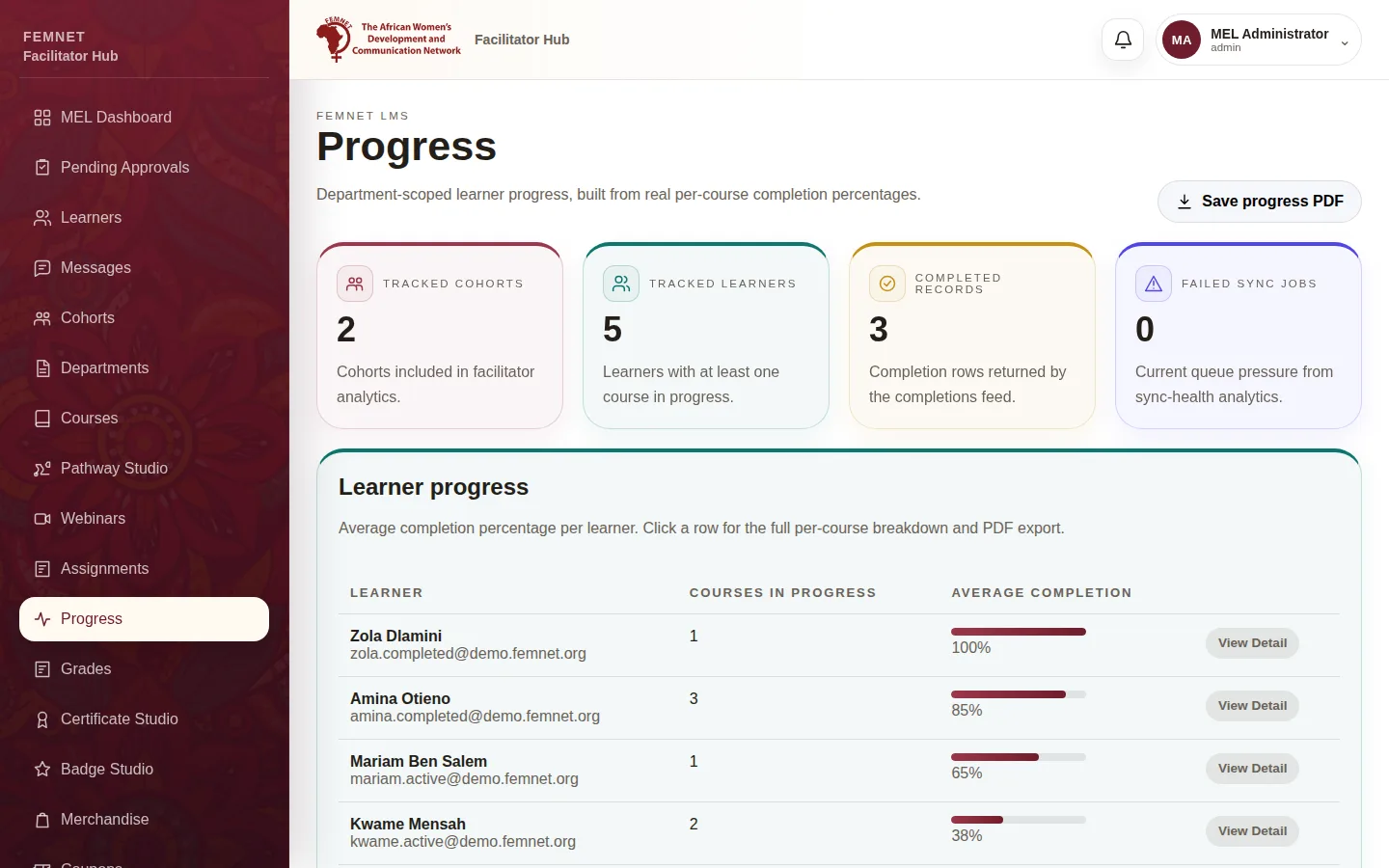
Progress and Grades show how learners are doing. Certificate Studio and Badge Studio handle recognition. MEL Analytics and MEL Reports are for monitoring and reporting.
- 5
Shop and system
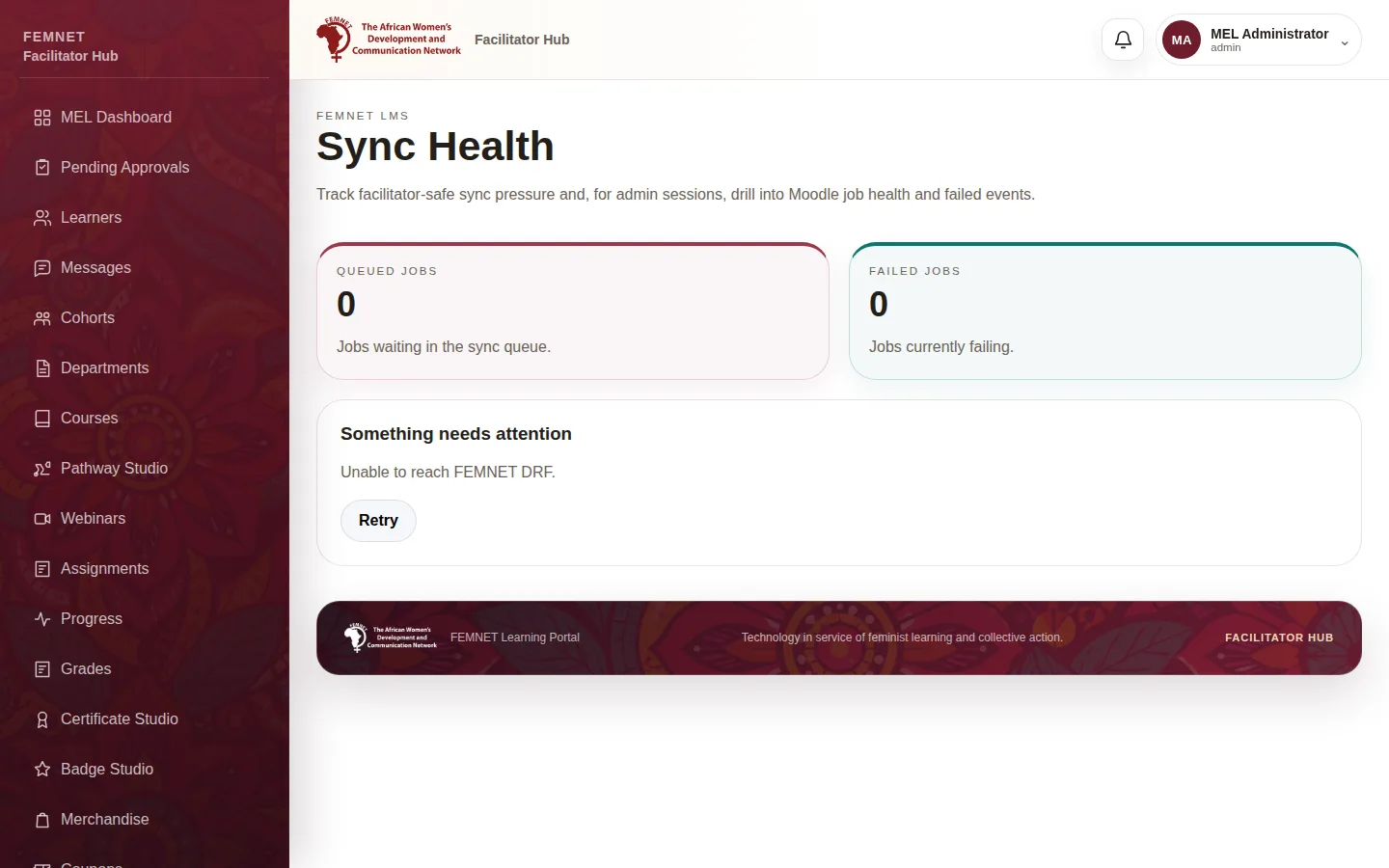
Merchandise, Coupons and Shop Orders run the learner shop. Sync Health shows whether learner progress is reaching the server, and Settings shows your session details.
Step 1: Sign in