
Learning offline
What works without internet and how progress reaches the server.
Supporting learnersDone in: Learner app4 steps
- 1
Install the app
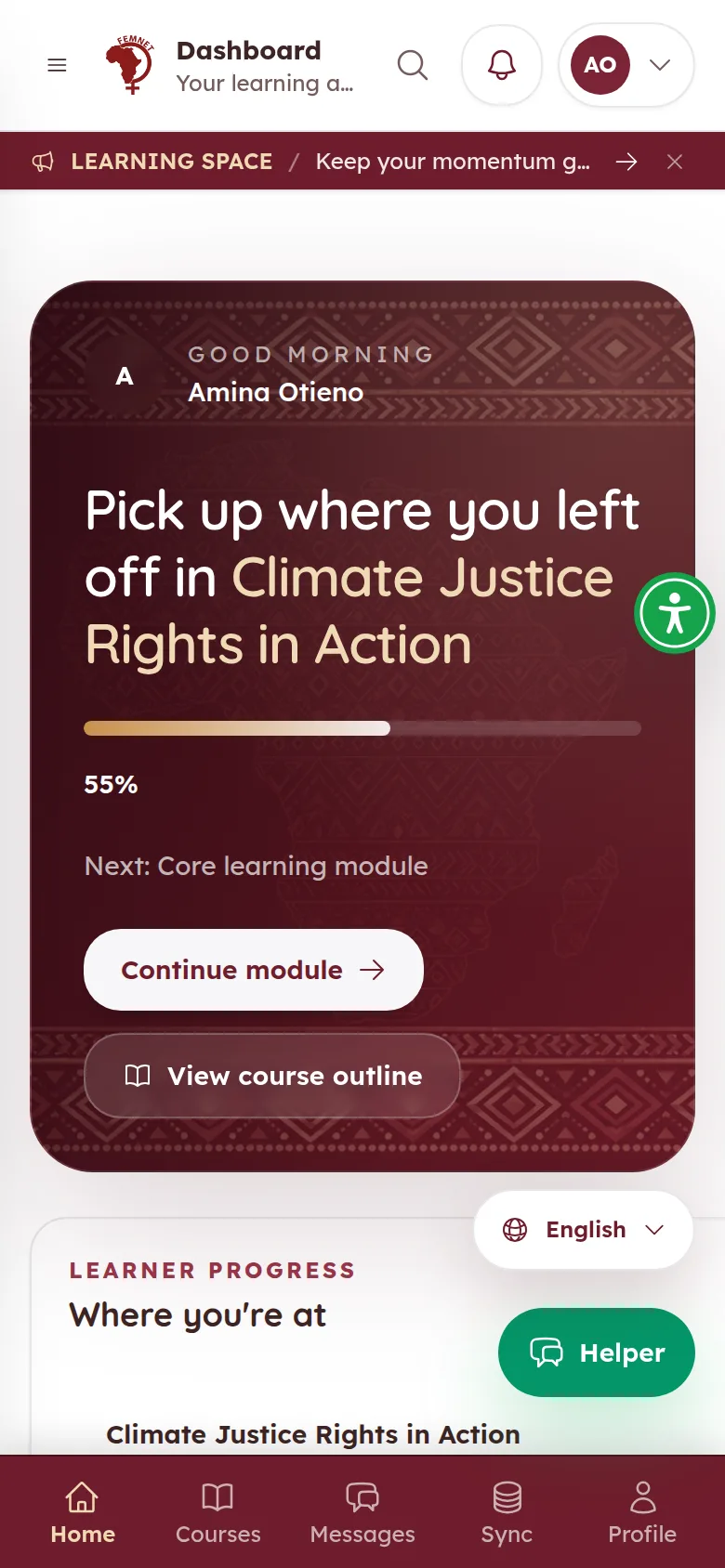
On a phone, the learner can add the learner app to their home screen from the browser menu. It then opens like a normal .
- 2
Study without a connection
Courses the learner has already opened stay available . Progress, quiz answers and notes are saved on the device.
- 3
Sync when back online
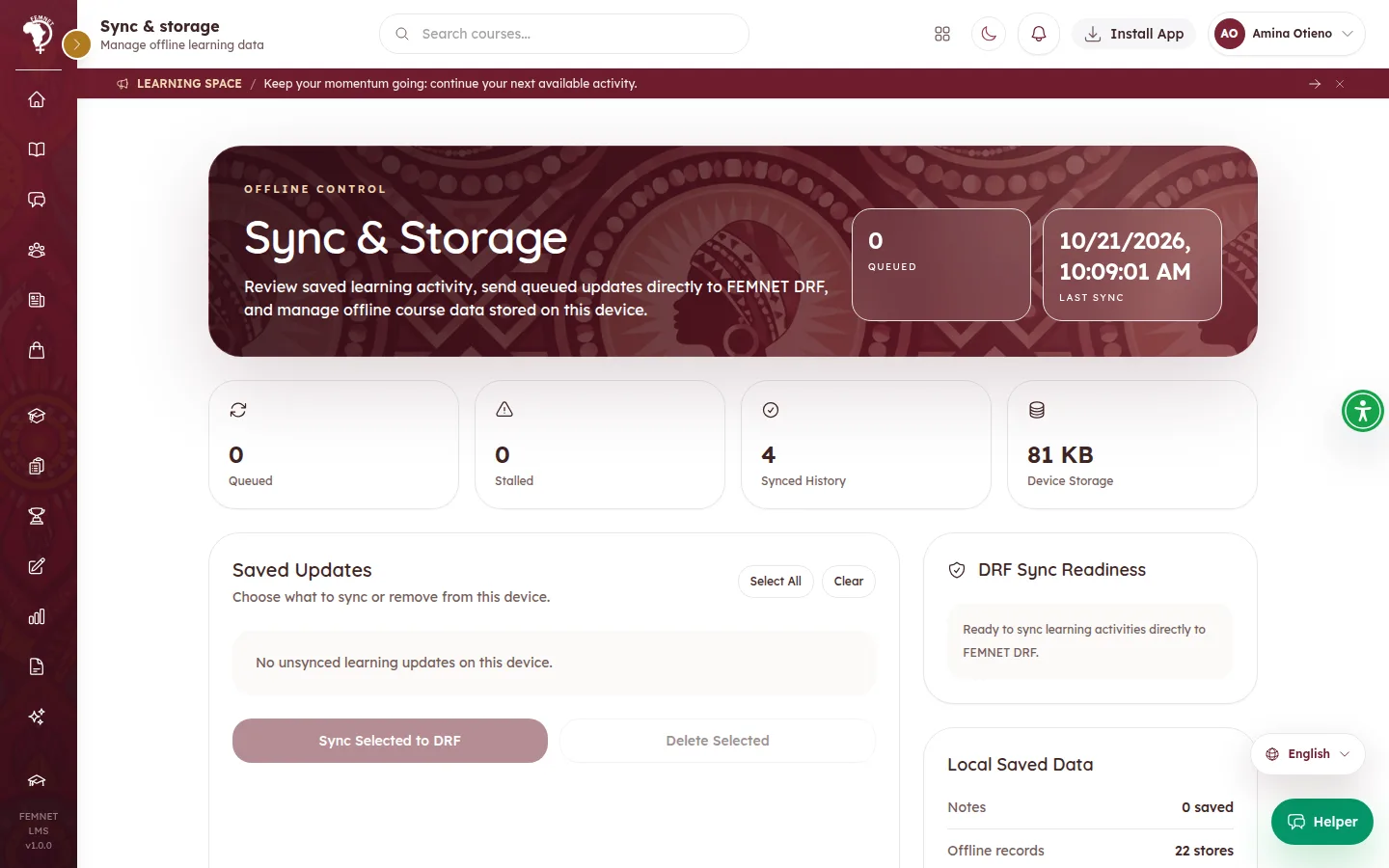
Saved progress automatically when the connection returns. Learners can check under Sync, which lists Saved Updates waiting to send and the Recent Sync History.
- 4
Free up space
In Sync, Clear Cached Courses removes downloaded course data from the device. Synced progress is not affected.
Tip: Ask learners to sync before clearing anything, or unsynced progress will be lost.
Step 1: Install the app