
Plan the access matrix
Decide which staff can see which departments, cohorts and courses before you set up accounts.
- 1
List your departments
Write down each programme area that runs its own learners, for example one per thematic area: Economic Justice and Rights, Sexual and Reproductive Health and Rights, and Climate Justice Rights. Each becomes a .
- 2
List the people and their roles
For each person who needs the hub, note their . Keep admin to the few people who manage settings and departments; everyone else should be a facilitator.
- 3
Match facilitators to departments
Fill in a simple table: one row per facilitator, one column per department, and a tick where they work. A facilitator should sit in one department; anyone who needs to see everything should be an admin instead.
- 4
Apply it and review it
Create the departments and assign facilitators as in Set up departments and assign facilitators. Review the table each quarter and whenever someone joins or leaves, and ask IT to deactivate accounts for people who have left.
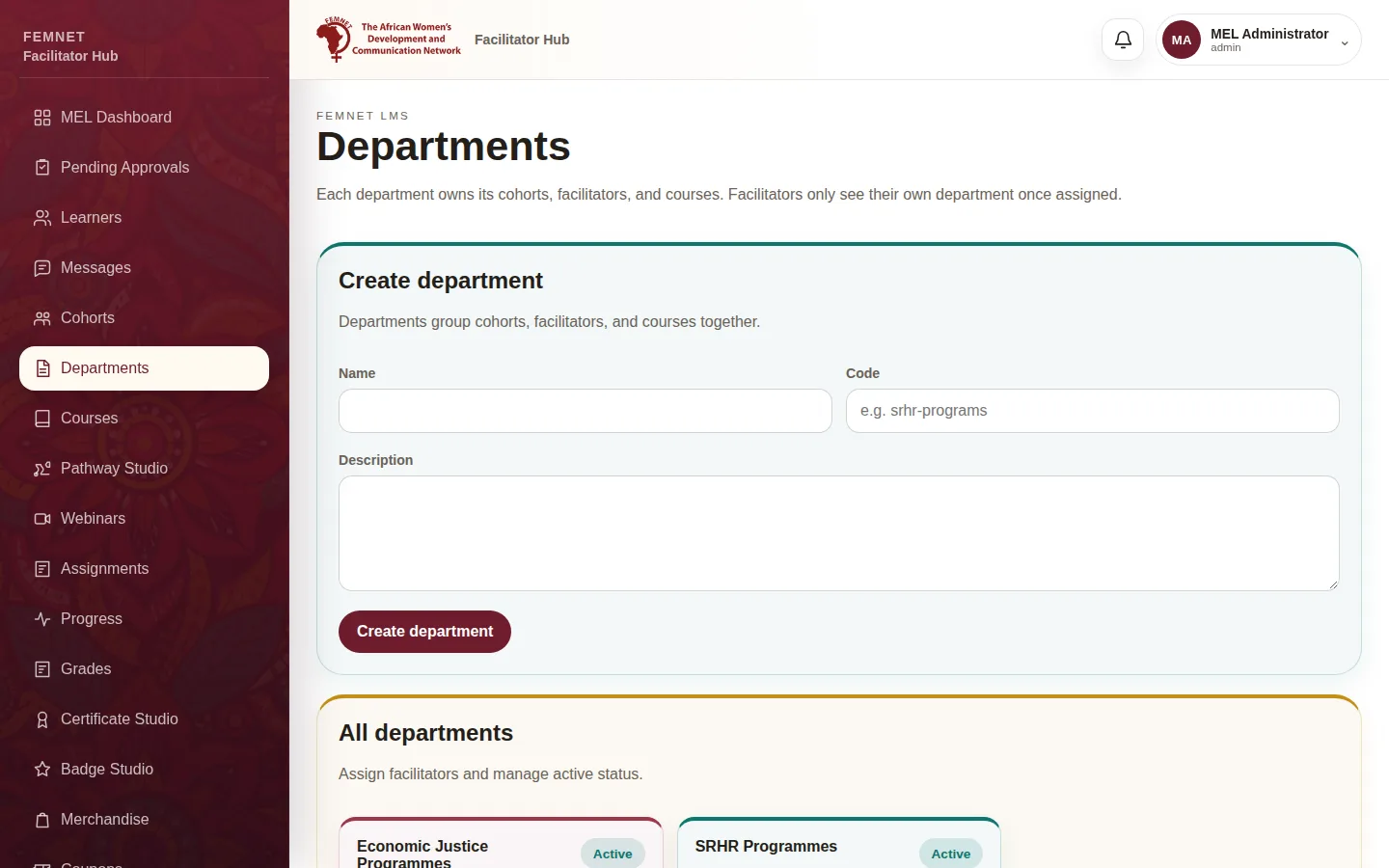
Step 4: Apply it and review it
What you will see
A written that matches what is set up in the hub.