
Set up departments and assign facilitators
Create departments, assign facilitators to them and archive old ones.
FEMNET staffDone in: Facilitator hub4 steps
Before you start
- Admin or super admin role
- 1
Open Departments
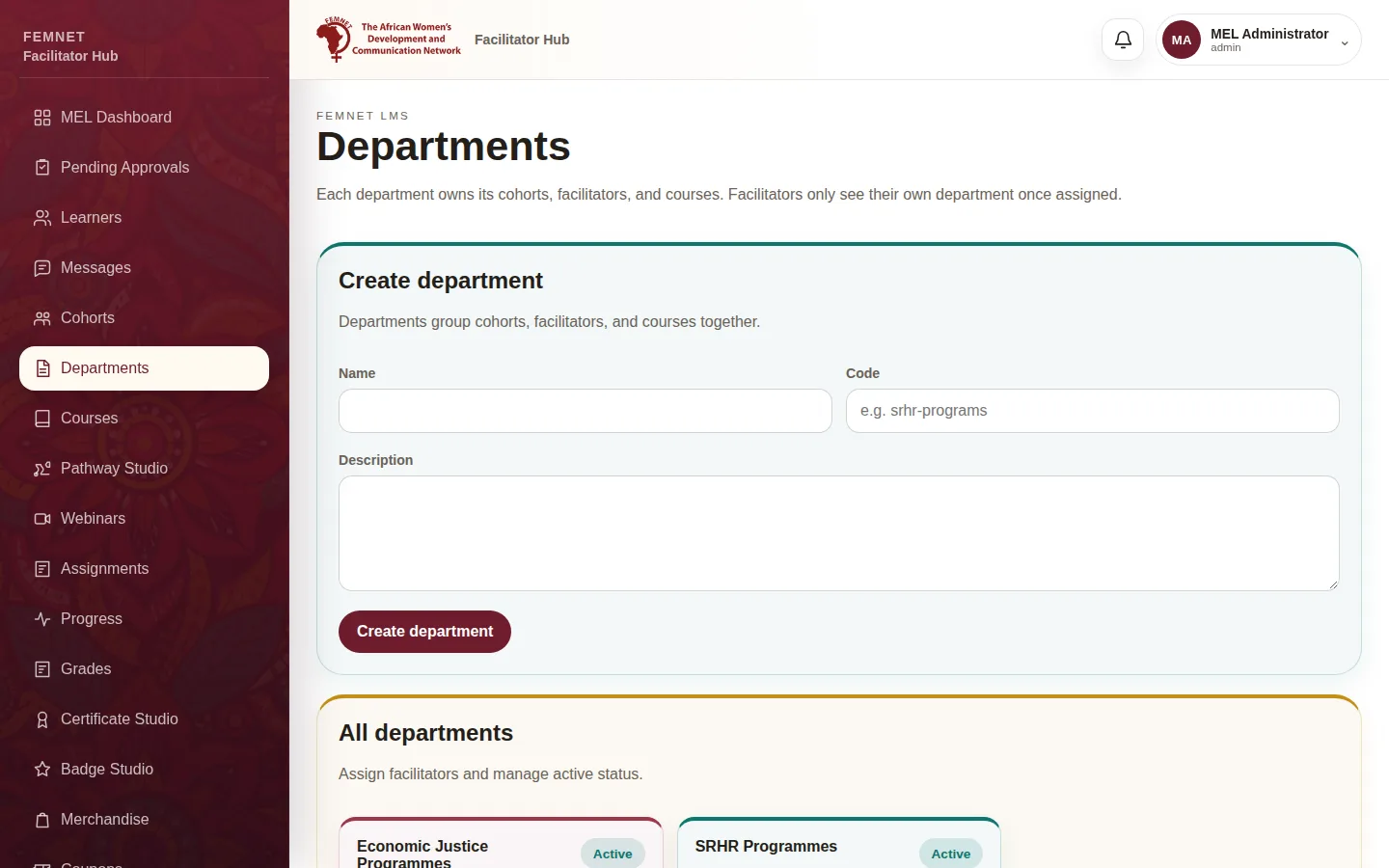
Select Departments in the hub menu. Only admins and super admins see this page.
- 2
Create a department
Under Create department, enter a Name, a short Code (for example
srhr-programs) and an optional Description, then select Create department. - 3
Assign facilitators
Find the department under All departments. In Assign facilitator, choose a facilitator and select Assign. From then on that facilitator only sees this department's cohorts, learners and courses.
Tip: Assign a facilitator to one department. Check the access matrix first so nobody loses access they need.
- 4
Archive a department you no longer use
Select Archive next to a department to mark it inactive. Select Reactivate to bring it back. Archiving keeps all its data.
Step 1: Open Departments