
Who can do what
The learner, facilitator, admin and super admin roles, and how departments limit what facilitators see.
- 1
The four roles
Every account has one :
Learner: uses the learner app only. Cannot open the hub.
Facilitator: uses the hub to run cohorts, build courses, message learners and grade work.
Admin: everything a facilitator can do, across all departments, plus admin-only pages and settings.
Super admin: the same as admin, and can also manage other admins in .
- 2
How departments limit access
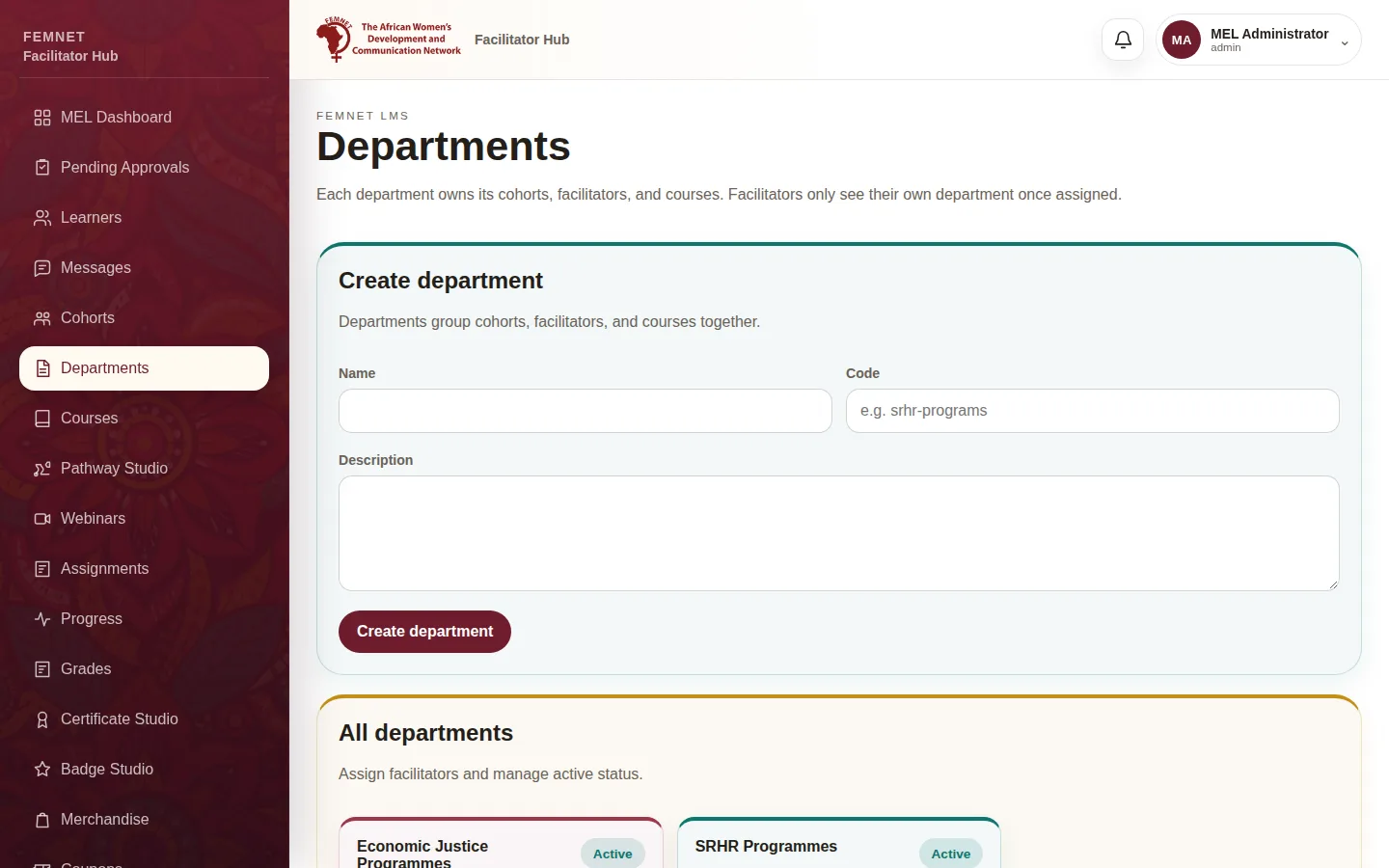
A groups cohorts, facilitators and courses for one programme area. Once a facilitator is assigned to a department, they only see that department's cohorts and learners. Admins and super admins always see every department.
Agree who belongs where before assigning people; see .
- 3
Pages only admins can see
These hub areas need an admin or super admin:
Departments: create departments and assign facilitators.
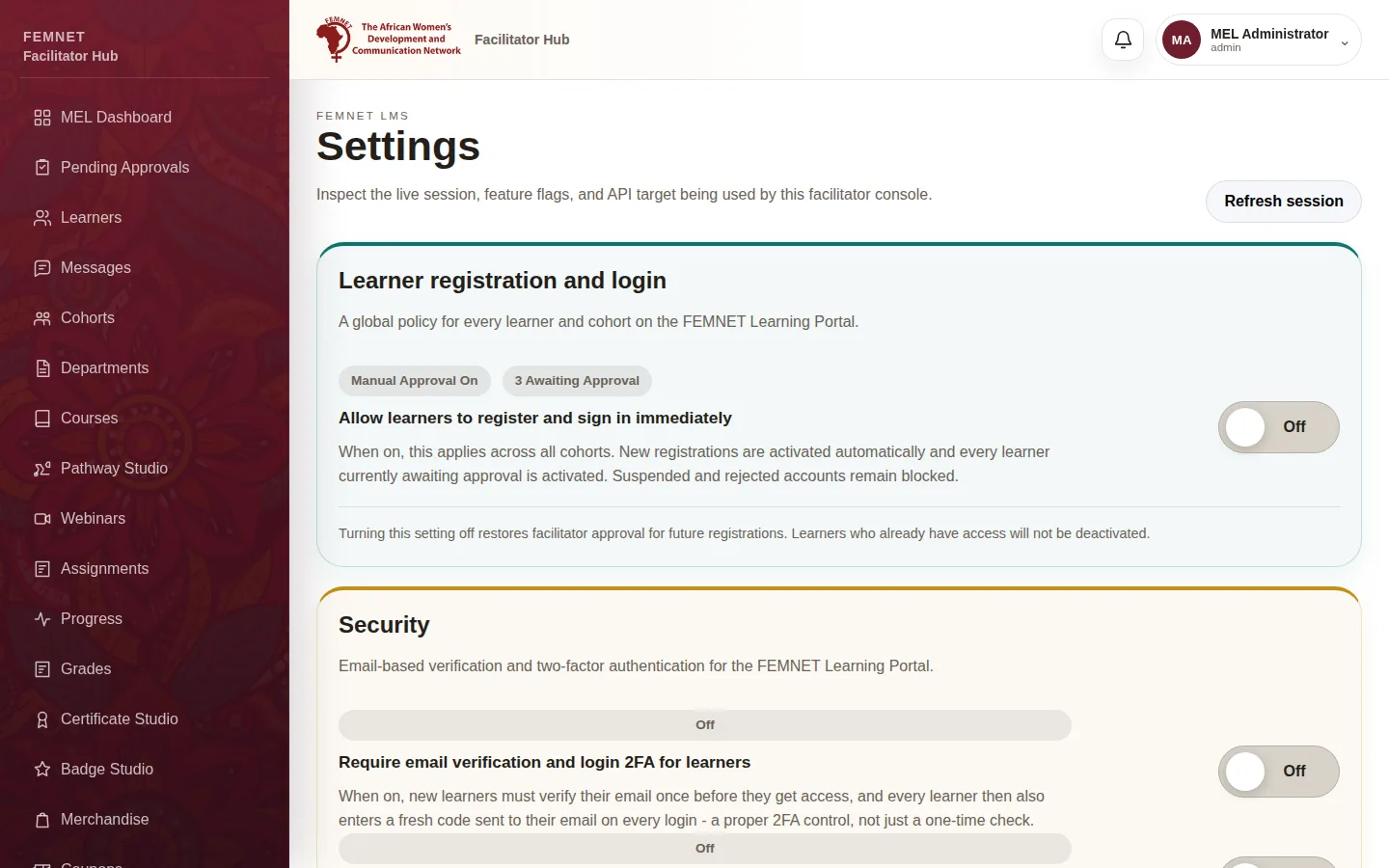
Settings: the learner approval and security switches, and the .
Sync Health details: the full list of sync jobs and failed events. Facilitators only see totals.
Facilitators who open these pages see an "Admin access required" message.
Step 2: How departments limit access