
Message and check in with learners
Hold private conversations and send progress check-ins.
FacilitatorsDone in: Facilitator hub4 steps
- 1
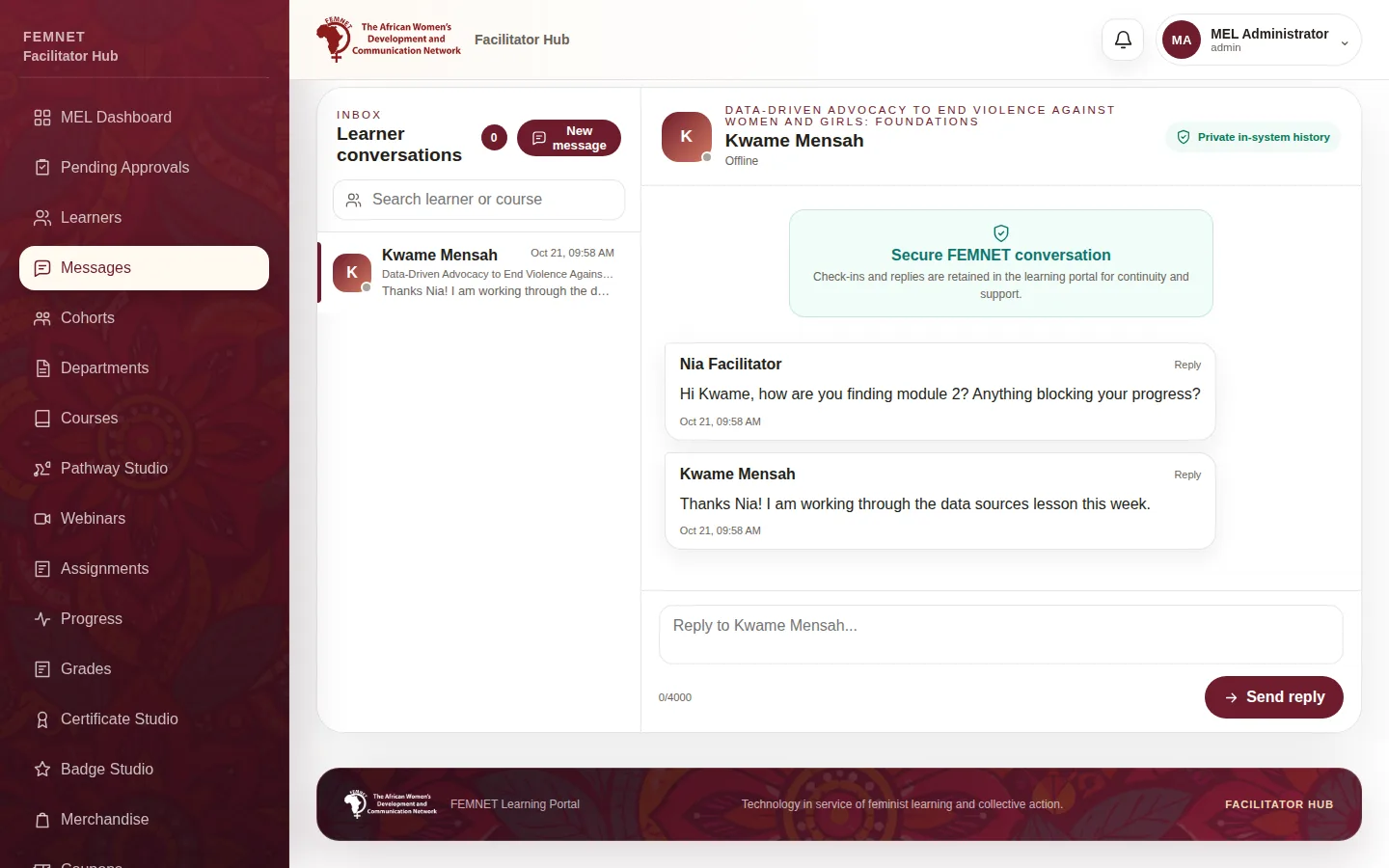
Open Messages
Select Messages. Your conversations are listed on the left.
- 2
Start a conversation
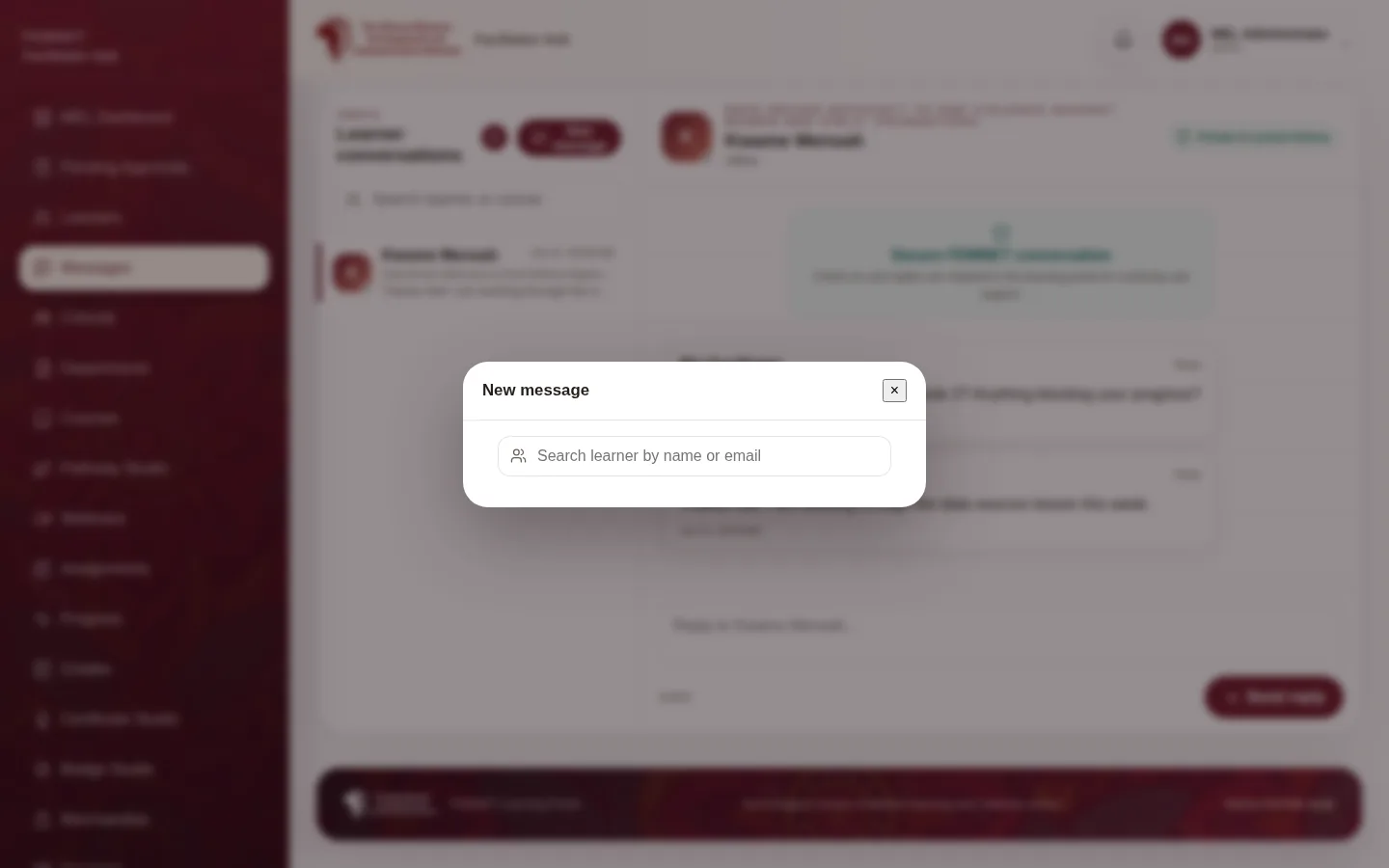
Select New message, search for a learner by name or email, write your message and select Start conversation. They see it in the learner app under Messages.
- 3
Reply
Open a conversation, type and select Send reply. All history stays in the portal.
- 4
Send a check-in
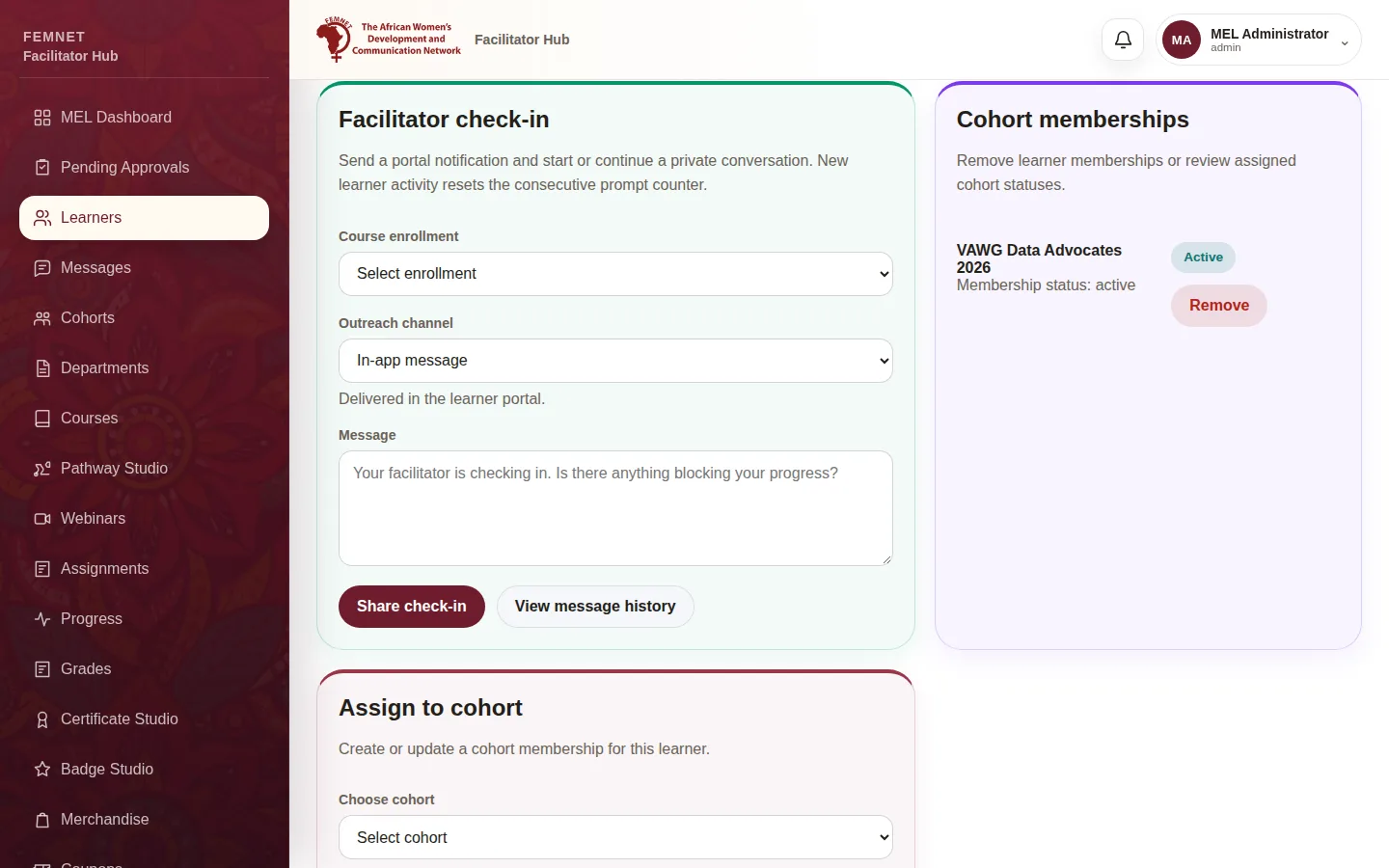
From a learner's record, under Facilitator check-in, pick the course and channel, edit the message and select Share check-in. A learner who gets three check-ins in a row without returning to the course is counted as dropped out; any new activity resets the count.
Step 1: Open Messages