
Produce a MEL report
Generate a report, read its interpretation note and export it.
FEMNET staffDone in: Facilitator hub4 steps
- 1
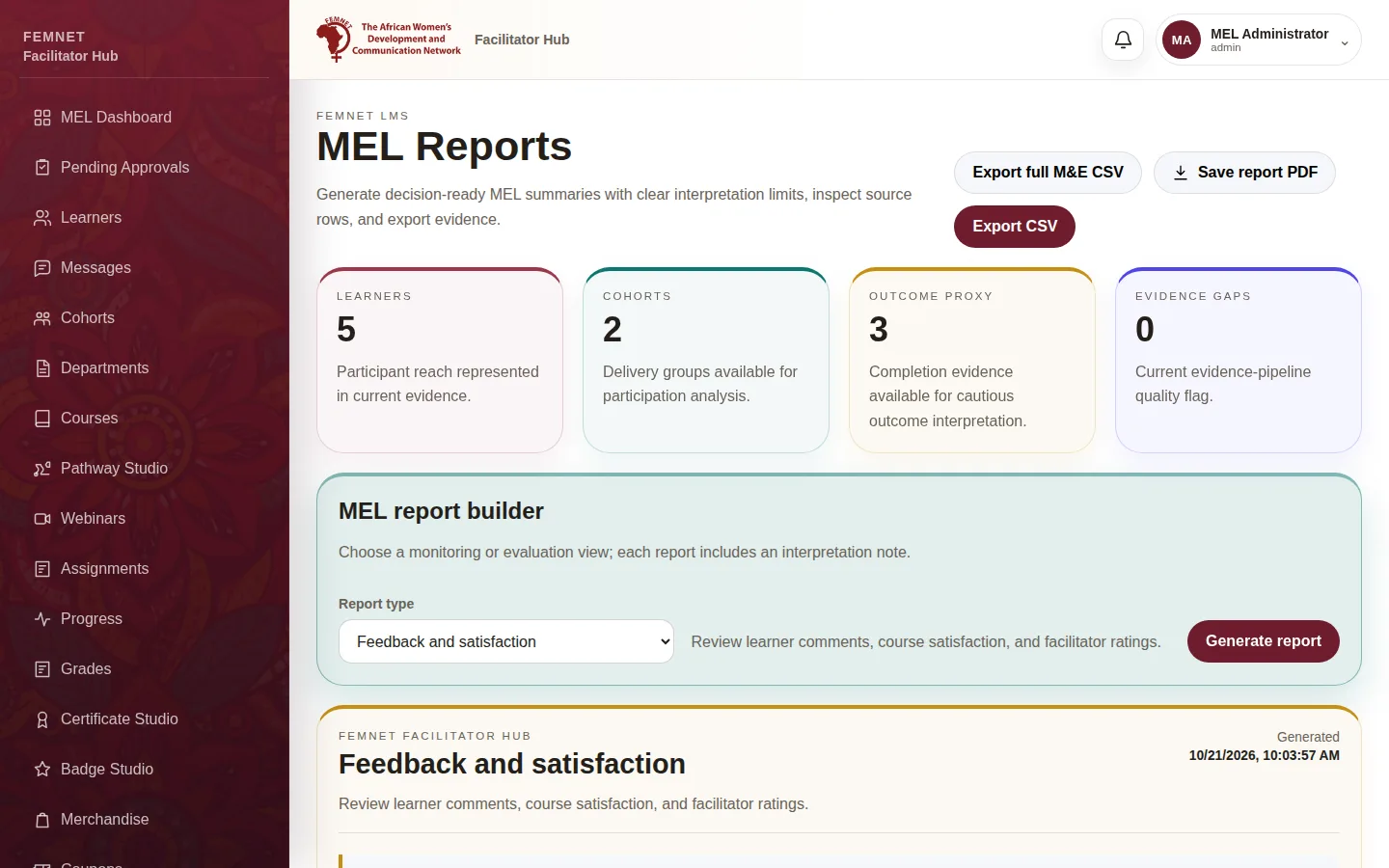
Open MEL Reports
Select MEL Reports in the hub menu.
- 2
Choose a report type
In Report type, pick the view you need, for example Learner demographics, Course and thematic performance, Material utilization, Feedback and satisfaction, Assessments and grades or Learning outcome proxy.
- 3
Generate it
Select Generate report. A preview appears with the source rows and an Interpretation note explaining what the figures can and cannot tell you.
Tip: Read the interpretation note before quoting a figure in a donor report.
- 4
Export it
Select Export CSV for the rows of this report, Export full M&E CSV for all the data, or Save report PDF for a formatted copy.
Step 1: Open MEL Reports