
Read learner reflections
Find the ratings and comments learners leave after courses and modules.
FacilitatorsDone in: Facilitator hub4 steps
- 1
Open Reflections
Select Reflections in the hub menu. It lists every learners in your department have shared, newest first, with the average rating and how ratings are spread.
- 2
Filter
Use the tabs to show Module or Course reflections, and the Course list to focus on one course.
- 3
Read what learners say
Each card shows the learner's rating out of 5, What helped, What could improve and any comments. Use them to adjust lessons and check in with learners who struggled.
- 4
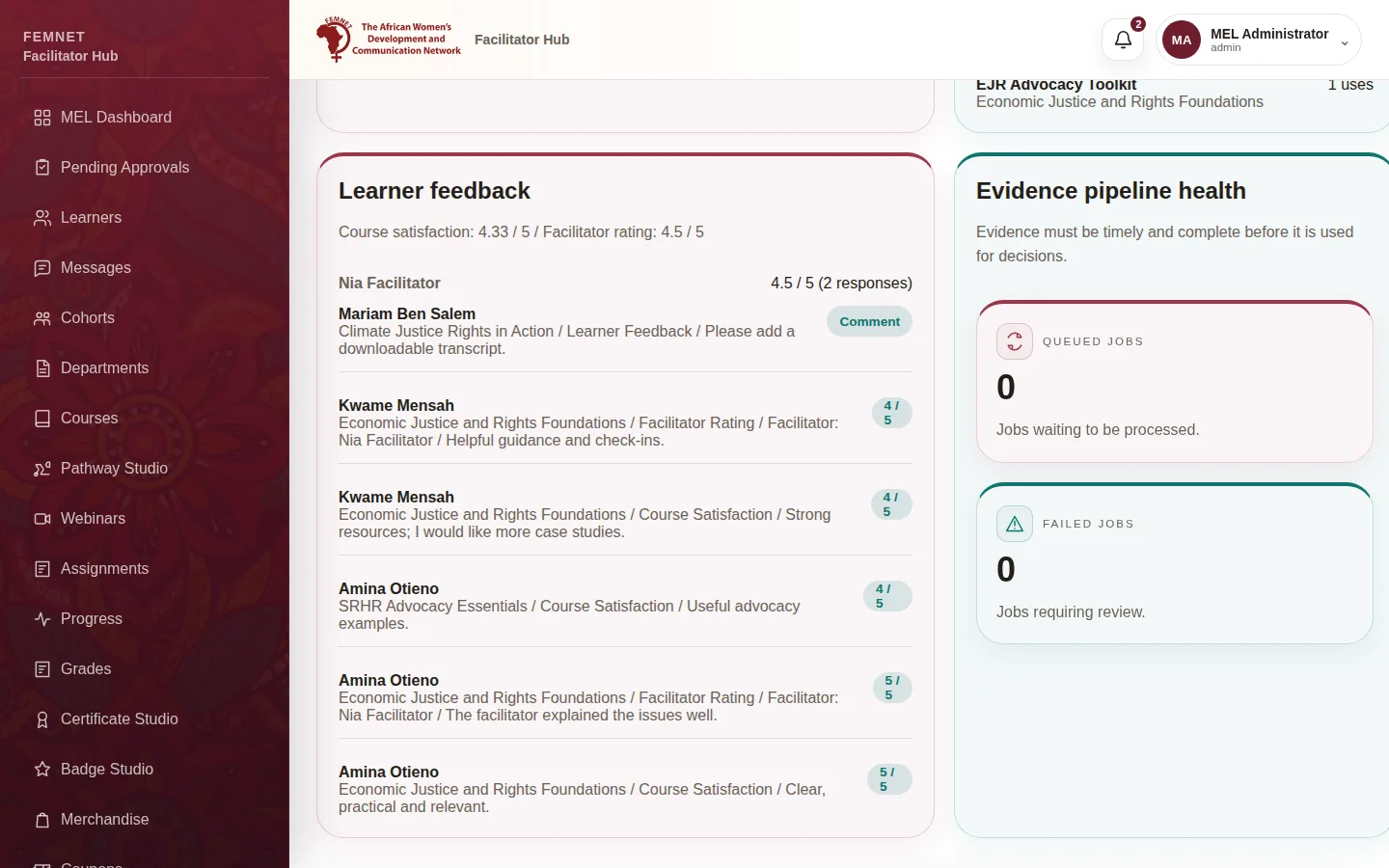
Course and facilitator ratings
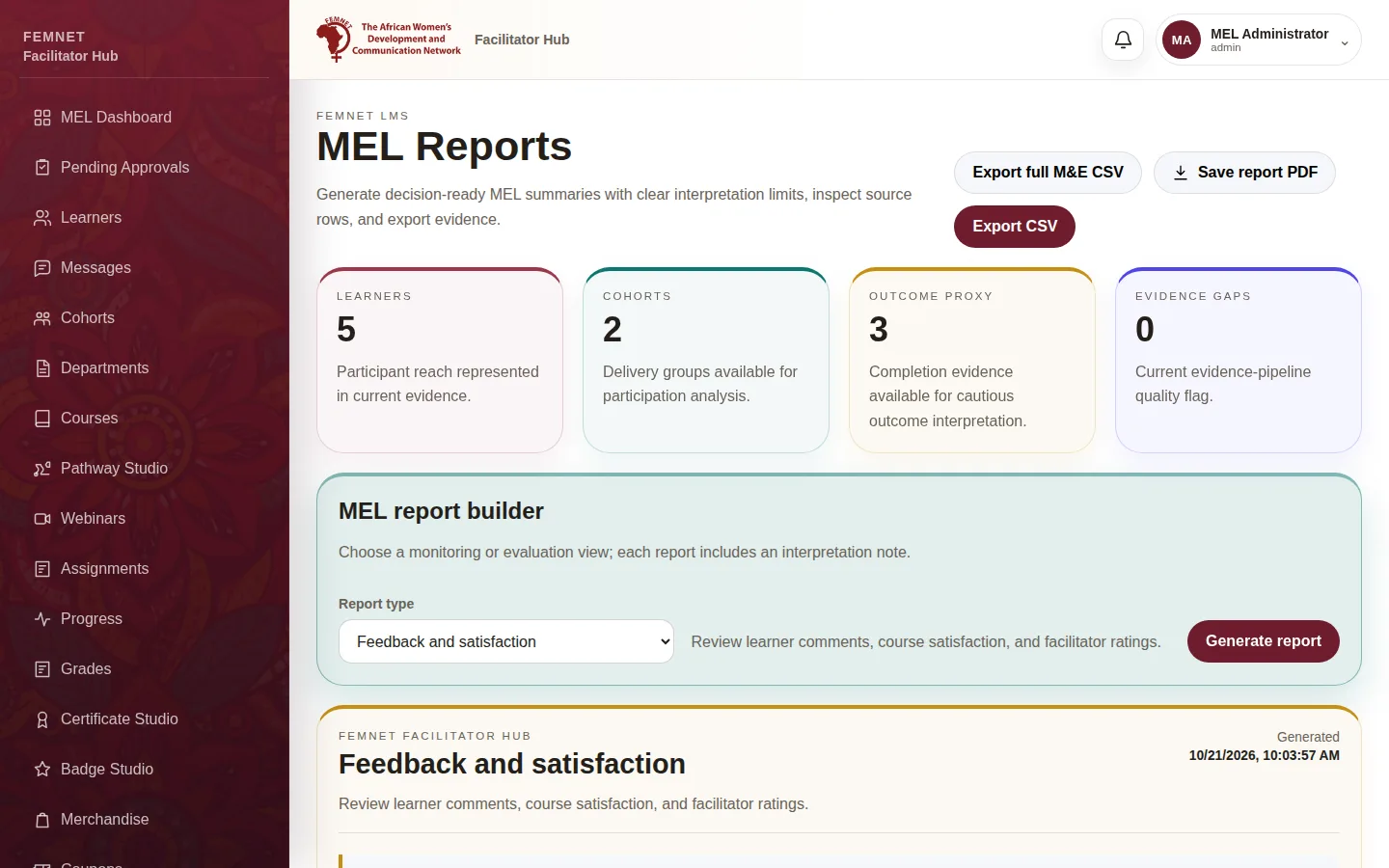
Ratings learners give the course and their facilitator at completion are in MEL Analytics under Learner feedback, and in the Feedback and satisfaction report in MEL Reports.
Step 1: Open Reflections