
Turn a PowerPoint into a course
Upload a .pptx deck and get a ready-to-edit draft course.
FacilitatorsDone in: Facilitator hub4 steps
- 1
Prepare the deck
Use a .pptx file (not .ppt or PDF). Each session in the deck becomes a and each slide becomes a , with its pictures kept. Tidy slide titles first: they become lesson titles.
- 2
Import it
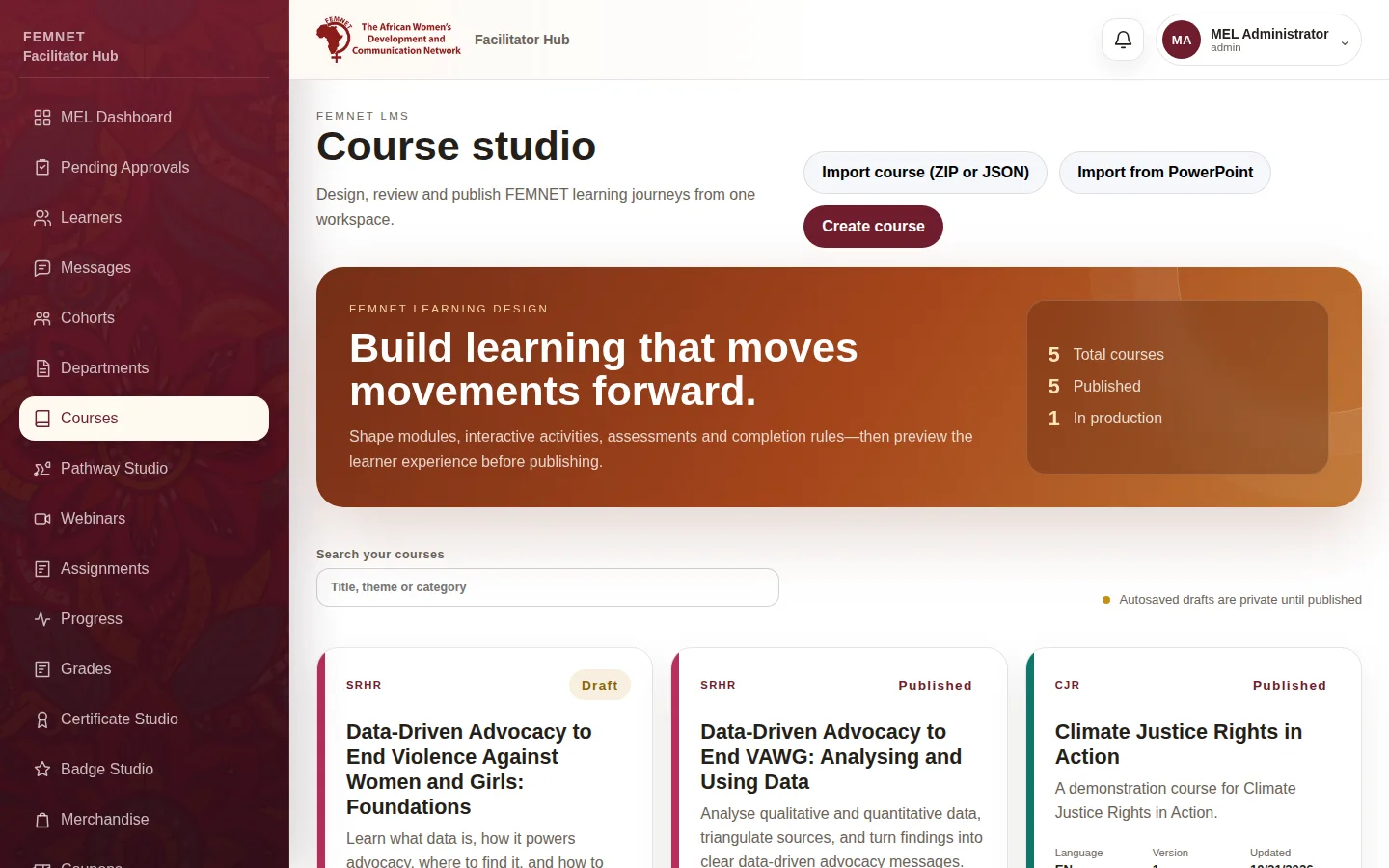
Select Courses, then Import from PowerPoint, and choose the file. After a short wait the new draft opens in Course Studio. See .
- 3
Review every lesson
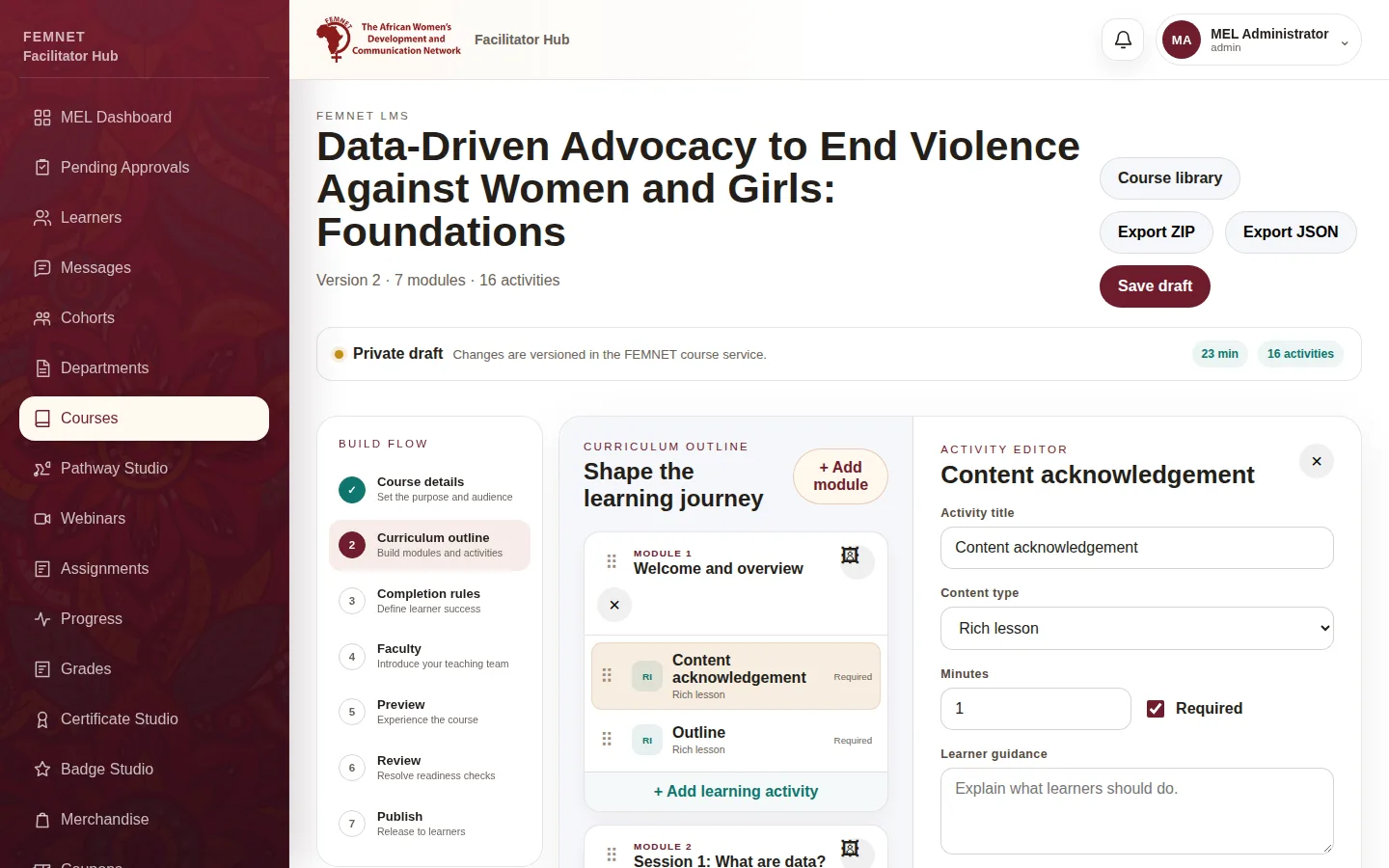
Open Curriculum outline and go through each lesson. Fix wording, remove speaker-only slides and add or quizzes where learners should stop and think.
- 4
Finish and publish
Complete the remaining steps and publish as normal.
Step 2: Import it