
Manage the alumni hall of fame
Feature or hide alumni profiles that learners publish.
FEMNET staffDone in: Django admin4 steps
Before you start
- Django admin access (ask IT)
- 1
How learners join
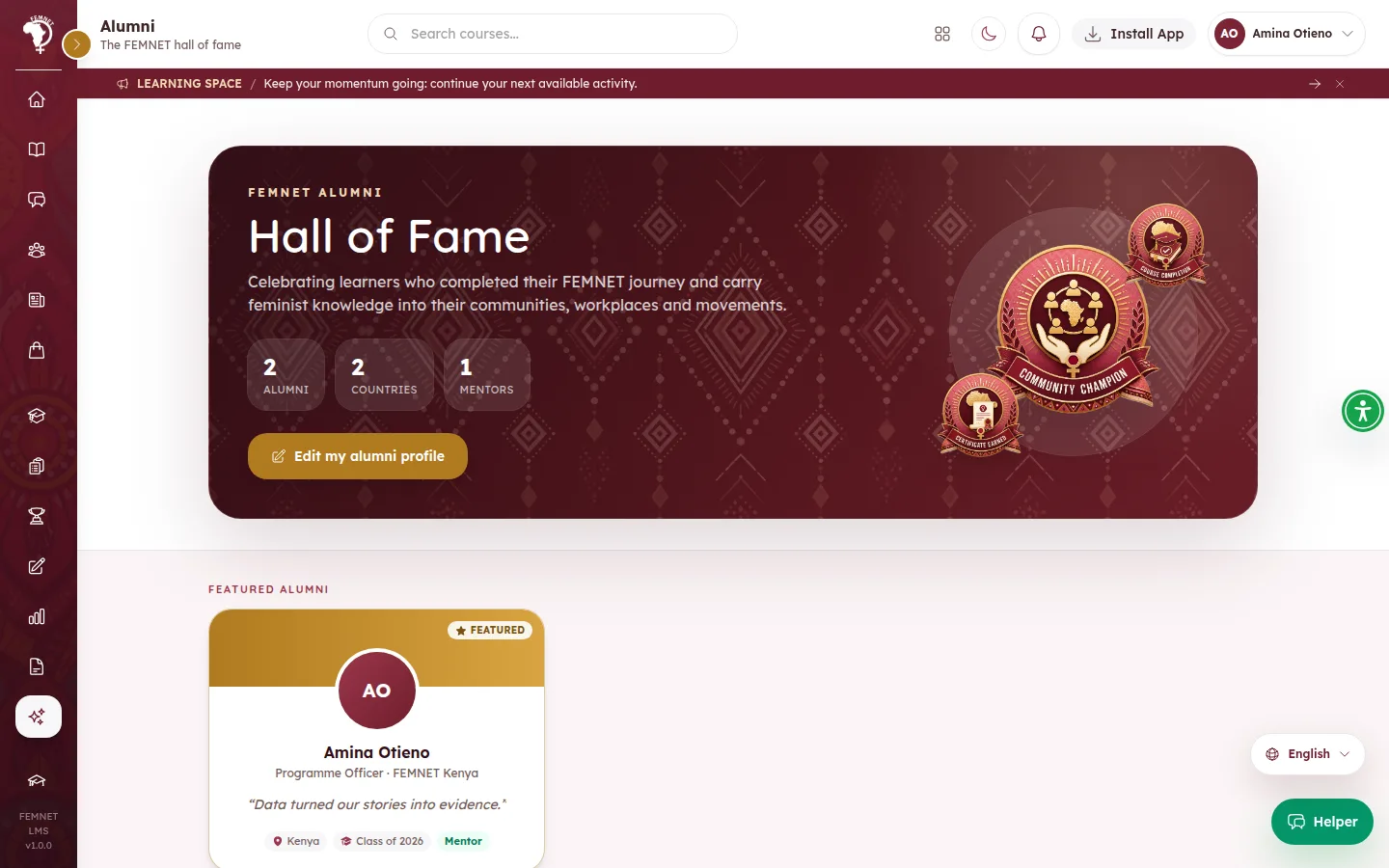
When a cohort is completed, everyone who finished receives an by email and inside the learner app, and joins by confirming it. Any learner who finished a course satisfactorily can also select Register as alumni on the Alumni page. Joining is always the learner's choice.
- 2
Open the alumni list
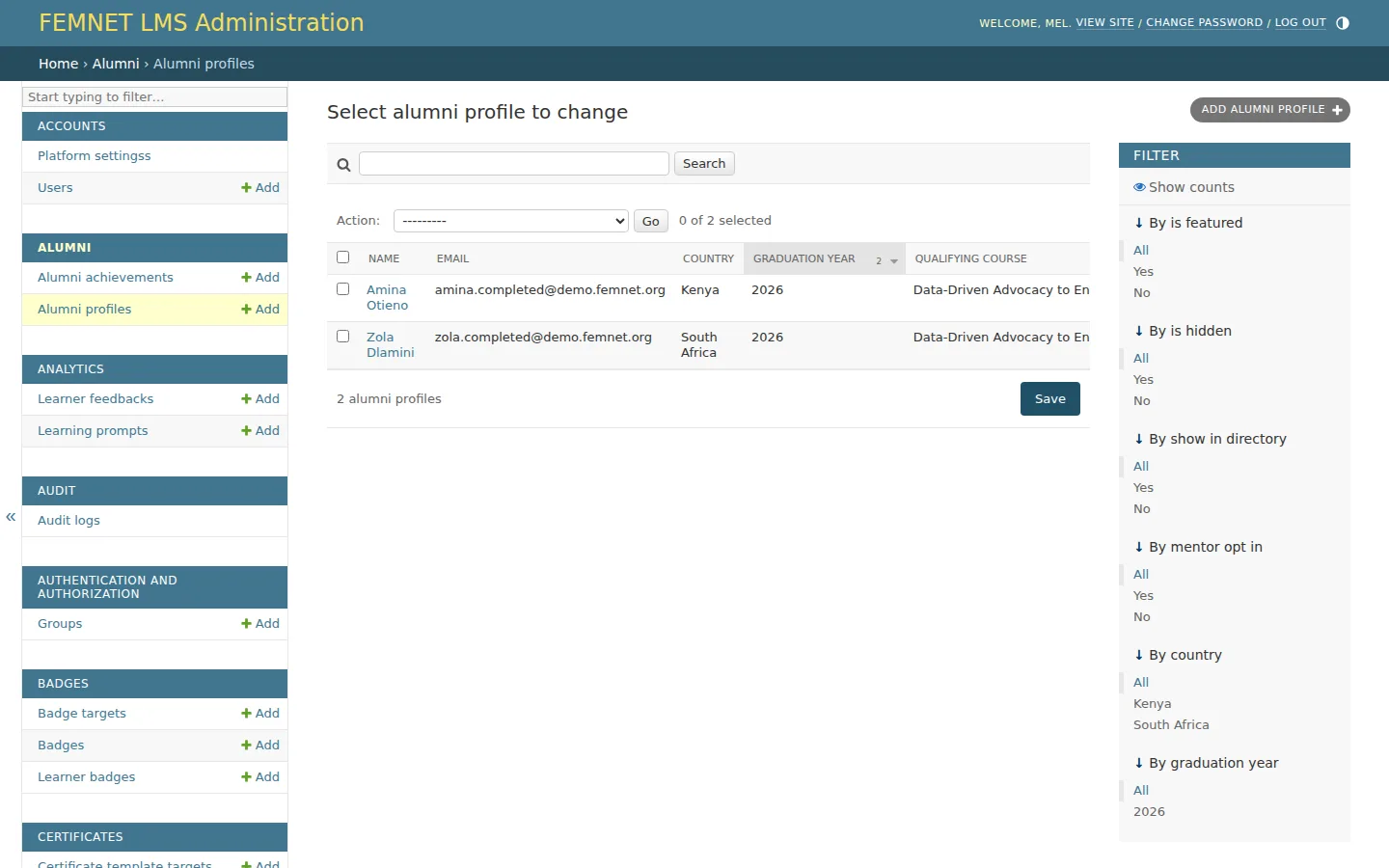
Alumni are managed in . Ask IT for access, sign in and open Alumni profiles.
- 3
Feature a profile
Tick Is featured on a row and save. Featured alumni appear in the Featured alumni section at the top of the hall of fame.
- 4
Hide a profile
Tick Is hidden to remove a profile from the directory, for example if it breaks the community guidelines. The learner's record is kept.
Step 1: How learners join